> For the complete documentation index, see [llms.txt](https://docs.dapta.ai/llms.txt). Markdown versions of documentation pages are available by appending `.md` to page URLs; this page is available as [Markdown](https://docs.dapta.ai/ai-text-agents/analytics-and-logs.md).
# Analytics, logs, and exports
Use Text Agent metrics, chat history, AI-message counts, and exports without confusing delivery, engagement, or retention.
Use the Text Agent metrics/list view for an overview, **Chat history** for individual records, and [Inbox](/ai-text-agents/inbox.md) for active human work. Select the intended workspace and agent before comparing results.
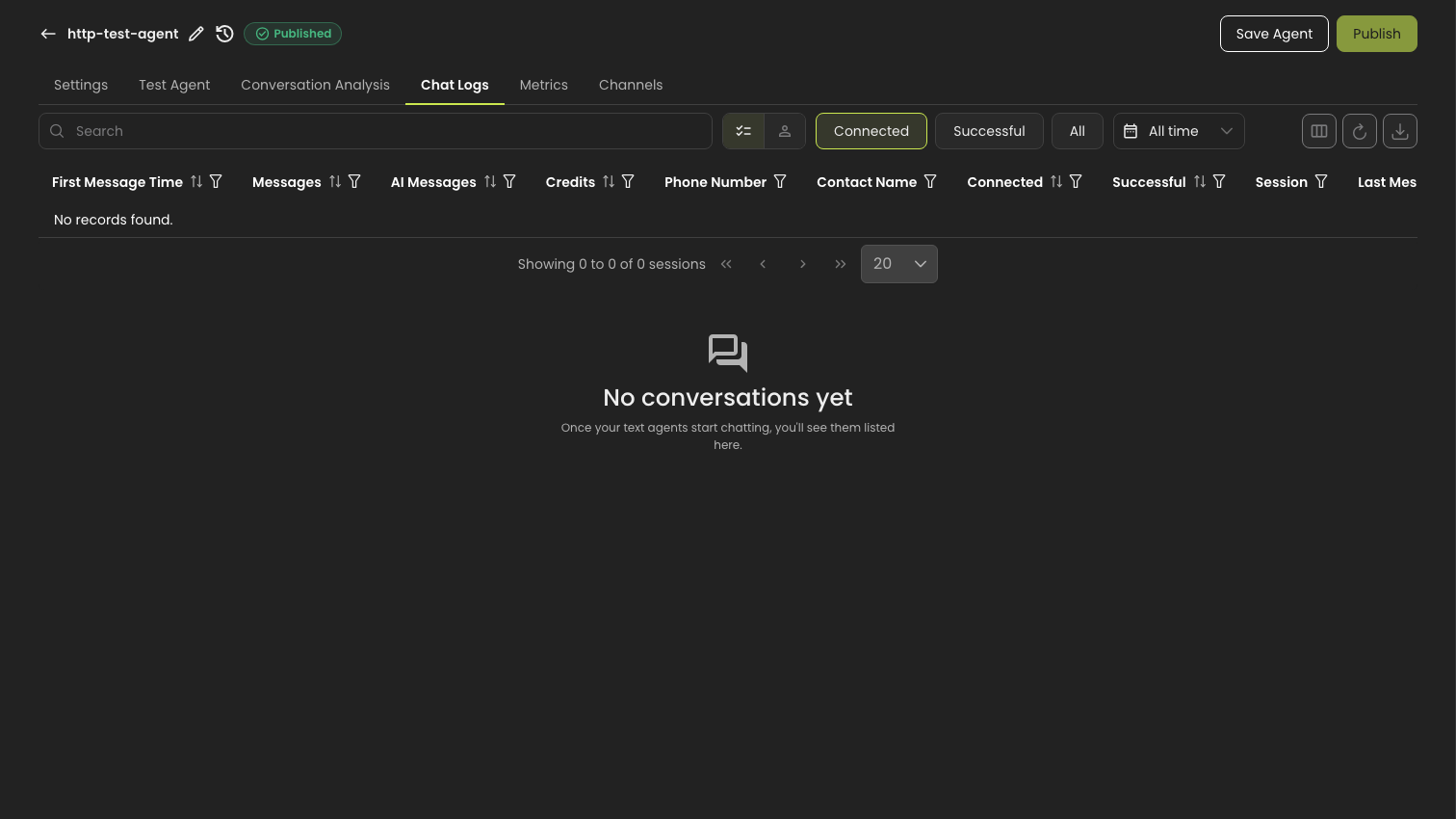
History lists every conversation the agent has had.
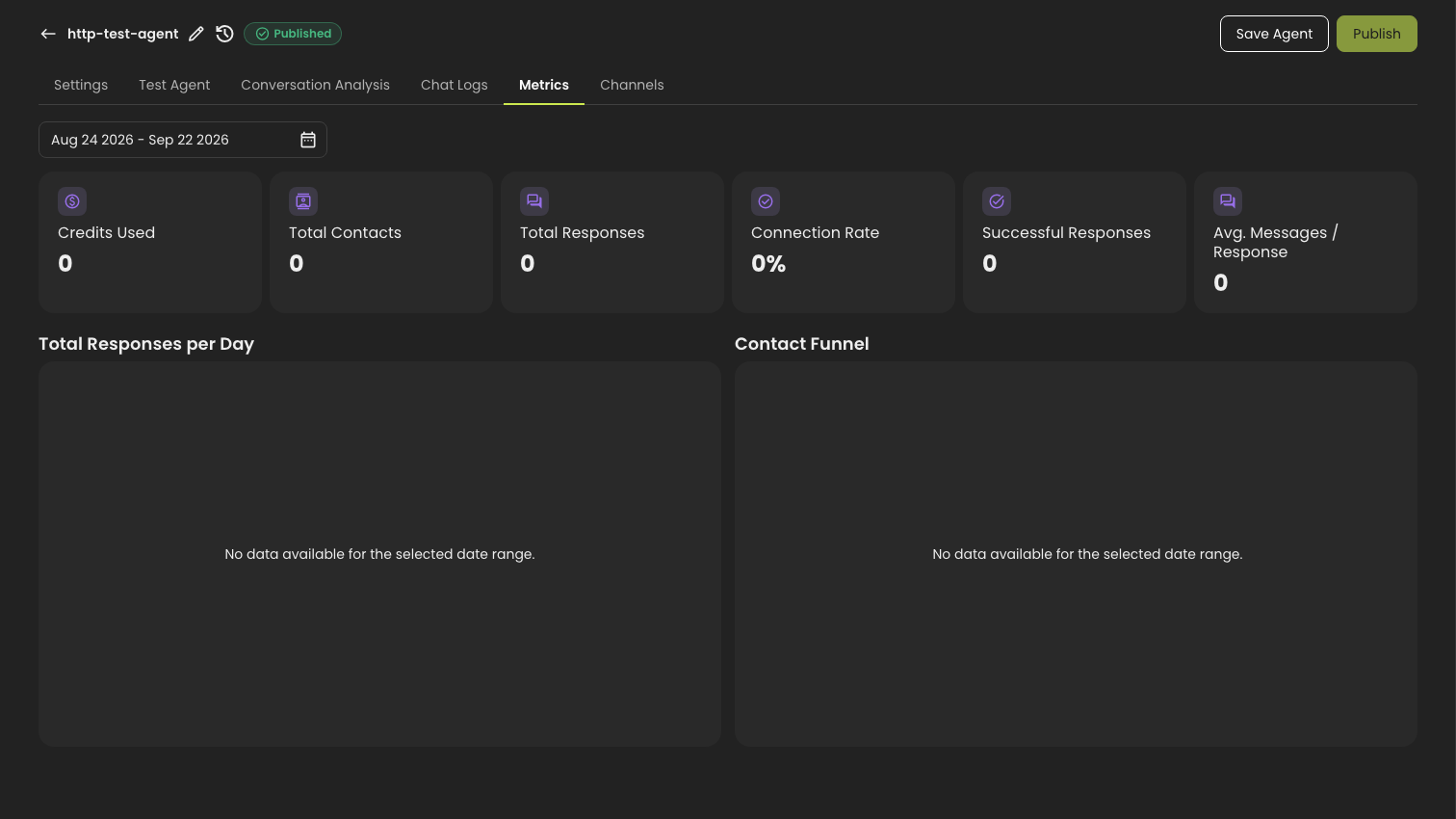
Metrics for a new agent, before any traffic.
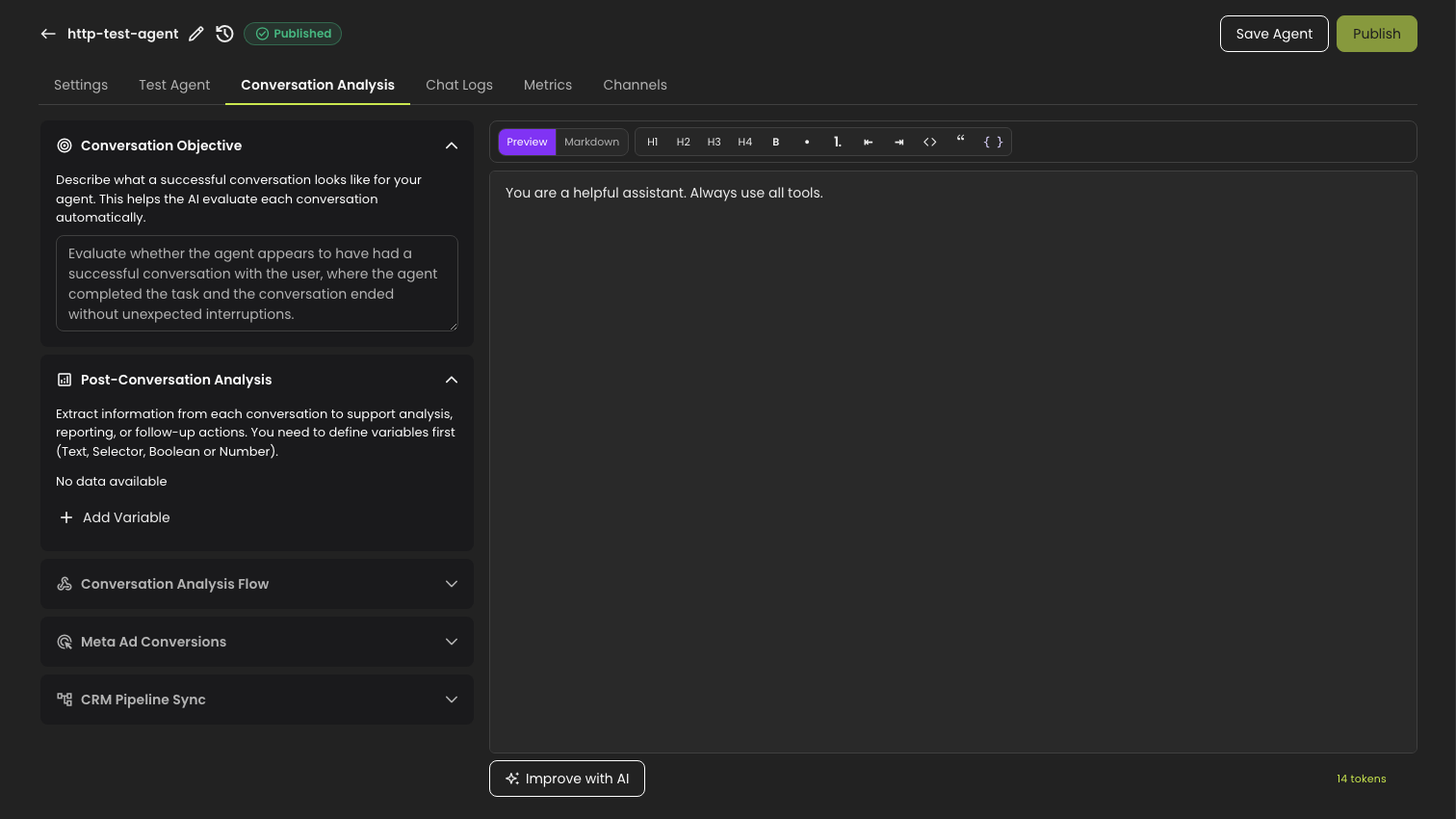
Conversation analysis, where the variables to extract are defined.
## Review metrics
Choose a reporting period in the Text Agent metrics view. The custom-period picker limits a selected range to **90 days**. This is a query-range limit, **not** a statement that conversations are deleted after 90 days. Other views can have their own date controls.
Compare the same agent, period, and filters. A sent or delivered message is not necessarily a customer reply, a connected conversation, or a successful outcome. Sequence-specific results belong in that sequence's **Metrics** tab.
If a chart is empty, check the workspace, agent, dates, and whether activity exists in history before concluding that no conversations occurred.
## Inspect chat history
1. Open the agent's **Chat history**.
2. Choose **Sessions** or **Conversations** and verify which view is active. A conversation can contain multiple sessions, so row totals can differ.
3. Apply the available search, date, and status/outcome filters.
4. Open a row to inspect messages and its outcome. This history view is for review, not the Inbox reply composer.
5. Use the column selector if a field you need is hidden.
The **AI Messages** column counts AI-generated messages; it is distinct from the overall **Messages** count and the number of sessions. Do not treat human replies or synchronized Business App messages as AI responses, and do not calculate billed credits by assuming one credit per visible message.
Chats **Awaiting first reply** are included in history/export data by default, unlike the default Inbox list. Check explicit filters if you cannot find an outbound initiation. An unanswered initiation can close with a failed outcome without a normal post-conversation analysis; inspect delivery separately before diagnosing a sending failure.
## Export records
1. From the history table, open its export/download control.
2. Review the export's session/conversation scope, dates, filters, and record limit. Do not assume it exports every record in the workspace.
3. Choose whether to include message content when that option is offered. A summary is one row per selected record; a transcript is message-level data.
4. Start the export and wait for completion. Review warnings about limits or partial results.
5. Open the CSV and verify the date range, row count, expected columns, and a sample record before sharing it.
Exports can contain personal information and message content. Share them only with authorized recipients. An export of Text Agent history is not a promise to include every original CRM/contact property.
## Resolve mismatched numbers
| Mismatch | Check first |
| -------------------------------------------- | ---------------------------------------------------------------------------------- |
| Inbox count differs from history | Awaiting-first-reply inclusion, assignment/unread filters, dates, and permissions. |
| Sessions differ from conversations | You are counting different record types. |
| AI Messages differs from Messages | The metrics count different message populations. |
| Export has fewer rows | Scope, date range, filters, chosen limit, and partial-result warnings. |
| Sequence delivery differs from agent success | Sending/delivery and conversation outcomes measure different events. |
*Source review: September 17, 2026. This guide covers customer-visible reporting, not internal support dashboards.*
{% content-ref url="/pages/Yd8Dr1GnzSTVXV8kBdd6" %}
[Inbox](/ai-text-agents/inbox.md)
{% endcontent-ref %}
---
# Agent Instructions
This documentation is published with GitBook. GitBook is the documentation platform designed so that both humans and AI agents can read, navigate, and reason over technical content effectively. Learn more at gitbook.com.
## Querying This Documentation
If you need additional information that is not directly available in this page, you can query the documentation by asking a question.
Perform an HTTP GET request on the following URL with the `ask` and `goal` query parameters:
```
GET https://docs.dapta.ai/ai-text-agents/analytics-and-logs.md?ask=&goal=
```
`ask` is the immediate question: it should be specific, self-contained, and written in natural language.
`goal` is what the user is ultimately trying to achieve, the reason they need the answer. Sharing it helps GitBook give you a better, more relevant answer. A goal is most helpful when it describes the outcome the user wants rather than restating the question. For example, with `ask=how do I create an API token`, a goal like `automate deployments from our CI pipeline` lets GitBook tailor the answer to that use case.
The response will contain a direct answer to the question and relevant excerpts and sources from the documentation.
Use this mechanism when the answer is not explicitly present in the current page, you need clarification or additional context, or you want to retrieve related documentation sections.