> For the complete documentation index, see [llms.txt](https://docs.dapta.ai/llms.txt). Markdown versions of documentation pages are available by appending `.md` to page URLs; this page is available as [Markdown](https://docs.dapta.ai/dapta-docs-es/ai-marketing/integraciones/webflow.md).
# Webflow
Autoriza tu cuenta de Webflow desde Connections en Dapta y configura el nodo Webflow del flujo para publicar automáticamente el contenido generado.
### Configuración en Dapta
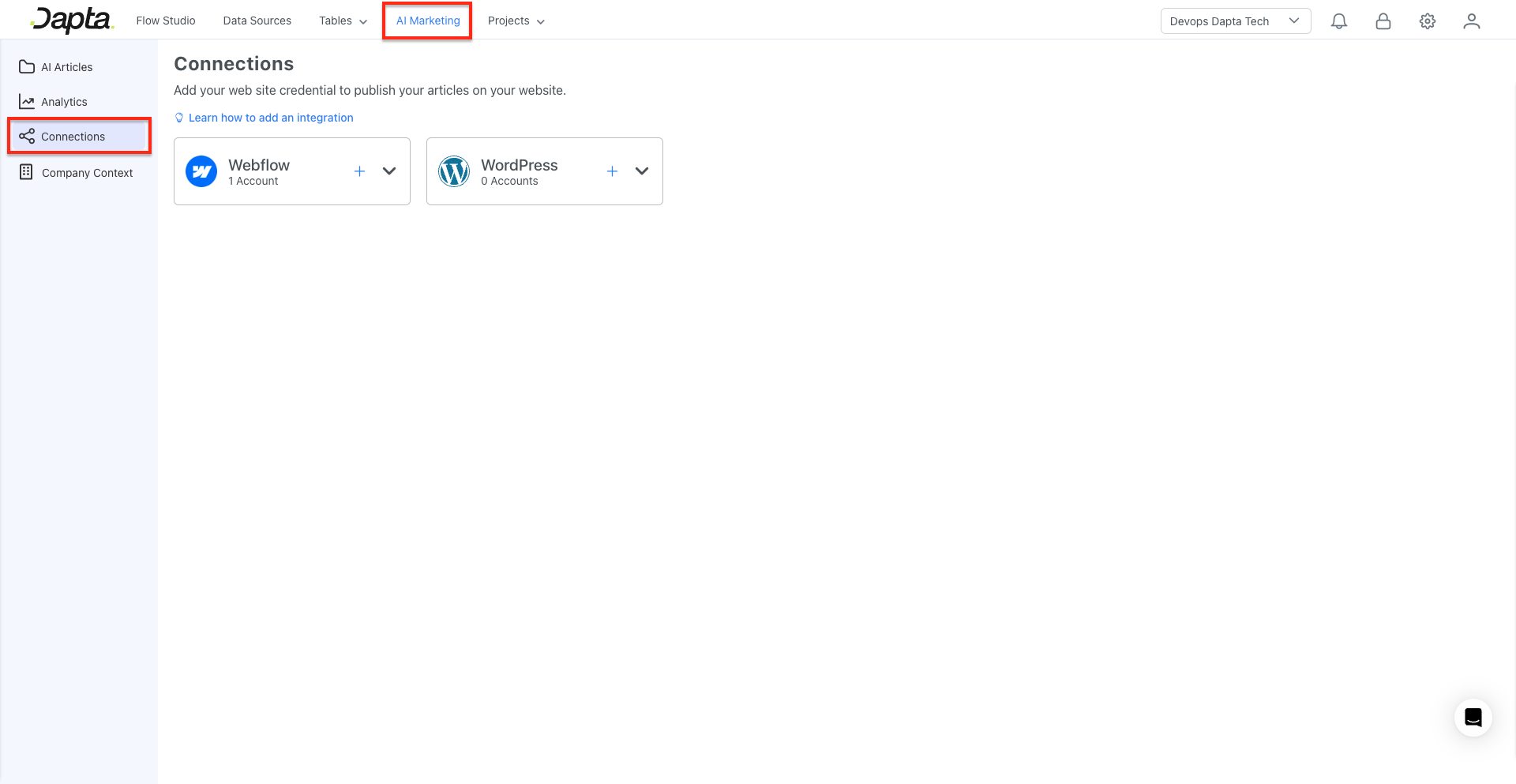
1. Con los datos recolectados, dirígete al módulo de **AI Marketing** en Dapta y luego a **Connections**.
2. Dentro de Connections, haz clic en **Add account** o en el símbolo **+** para agregar las credenciales de Webflow.
3. En el pop-up, selecciona la opción **Webflow Sign In**, que te redirigirá a Webflow.
4. Dentro de Webflow, selecciona el sitio en el cual deseas publicar el contenido generado y luego haz clic en **Authorize App**.
5. Una vez autorizada la integración, se mostrará un mensaje indicando que las credenciales se crearon con éxito y serás redirigido al flujo que se creó en Dapta.
### Configuración del flujo en Dapta
1. En el flujo creado en Dapta, nos centraremos en el nodo **Webflow Node** y seleccionaremos las siguientes opciones:
* **Resource**: Item
* **Operation**: Create
* **Site Name or ID**: selecciona tu sitio.
* **Collection Name or ID**: selecciona el lugar donde se guardarán tus posts; la colección por defecto es Blog Posts.
2. Valida que todos los **fields** estén llenos como se indica a continuación:
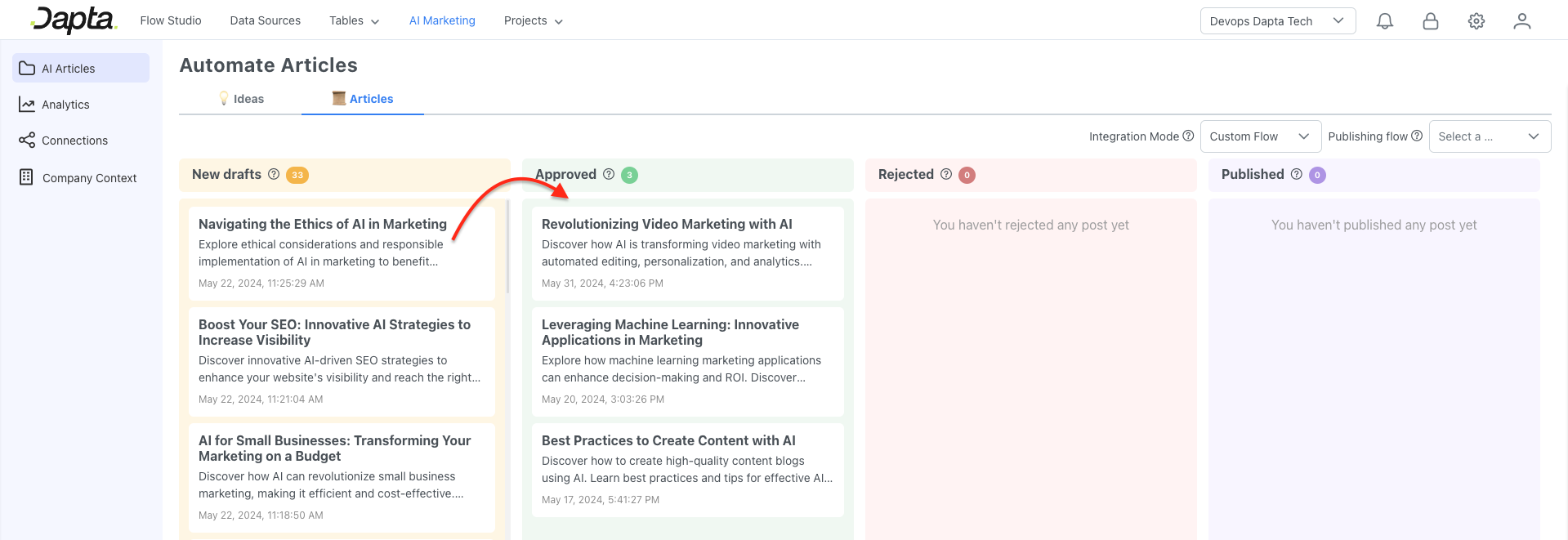
7. Guarda la información y aprueba un artículo para confirmar el funcionamiento de la integración.
---
# Agent Instructions
This documentation is published with GitBook. GitBook is the documentation platform designed so that both humans and AI agents can read, navigate, and reason over technical content effectively. Learn more at gitbook.com.
## Querying This Documentation
If you need additional information that is not directly available in this page, you can query the documentation dynamically by asking a question.
Perform an HTTP GET request on the current page URL with the `ask` query parameter, and the optional `goal` query parameter:
```
GET https://docs.dapta.ai/dapta-docs-es/ai-marketing/integraciones/webflow.md?ask=&goal=
```
`ask` is the immediate question: it should be specific, self-contained, and written in natural language.
`goal` is optional and describes the broader end goal you are ultimately trying to accomplish on behalf of the user. GitBook uses it to tailor the answer towards what is most useful for that goal.
The response will contain a direct answer to the question and relevant excerpts and sources from the documentation.
Use this mechanism when the answer is not explicitly present in the current page, you need clarification or additional context, or you want to retrieve related documentation sections.