> For the complete documentation index, see [llms.txt](https://docs.dapta.ai/llms.txt). Markdown versions of documentation pages are available by appending `.md` to page URLs; this page is available as [Markdown](https://docs.dapta.ai/dforms/developers/public-api.md).
# Public API & rate limits
The unauthenticated endpoints behind every public dForms form: fetch a published form, upload a file, record a submission, a funnel event or a booking. Plus the error codes, the OpenAPI document, the
Every published dForms form is rendered from a small, open, unauthenticated API. The same endpoints your respondents' browsers call are available to you, which means you can fetch a published form's structure or post a submission from your own code.
On the hosted product the API lives at **`https://api.dforms.ai`**. On a self-hosted deployment it is your own API origin.
> **💡 Note:** These endpoints need no key, and they are all a public form uses. To work with the rest of your workspace from code (create, edit and publish forms, read submissions and analytics), connect an AI agent with the [MCP connector](/dforms/developers/mcp-connector.md), or use a key you already have: see [API keys & MCP](/dforms/developers/api-keys.md). To push data out as it arrives, use [Webhooks](/dforms/connect/webhooks.md) or the [HubSpot](/dforms/connect/hubspot.md) sync.
***
## The public endpoints
All of them live under `/v1/public`. `{accountCode}` is your workspace's account code and `{slug}` is the form slug, the same two values you can read from the form's link, `app.dforms.ai/{accountCode}/f/{slug}`. For example, the link `https://app.dforms.ai/acme/f/lead-qualification-quiz` gives `acme` and `lead-qualification-quiz`.
| Method and path | What it does | Success |
| -------------------------------------------------------- | ------------------------------------------------------------------------------------------------------------------------------------------------------------------------------------------------------------------------------------------------------------------------------------------ | --------------------------------------------------------------- |
| `GET /v1/public/forms/{accountCode}/{slug}` | The published configuration of a form: its name and its steps, exactly as the public page renders them. | `200`, or `404` when there is no published form at that address |
| `POST /v1/public/forms/{accountCode}/{slug}/uploads` | Authorize one file for a **File upload** question. Body: `sessionId`, `stepKey`, `name`, `size` and `mime`. The answer says where to upload the file and what to send as the answer. | `200`, or `404` when the deployment does not store files |
| `POST /v1/public/forms/{accountCode}/{slug}/submissions` | Record a submission. Body: `sessionId`, `data` (an object of answers keyed by field key), optional `partial: true` for a partial save, and the optional fields the public form sends: `locale`, `visit` (the page it was answered on) and, on a form with spam protection, `captchaToken`. | `201` |
| `POST /v1/public/forms/{accountCode}/{slug}/events` | Record one funnel event. Body: `sessionId`, `type` (one of `view`, `start`, `step_view`, `step_complete`, `partial_submit`, `submit`) and optionally `stepIndex` and `stepKey`. This is what fills the drop-off chart in **Analytics**. | `202` |
| `POST /v1/public/forms/{accountCode}/{slug}/booking` | Record that a respondent booked a meeting, from a Scheduler step or an outcome's scheduling embed, so the booking is tied to the same session. | `202` |
| `GET /v1/public/pages/{accountCode}` | The [workspace page](/dforms/share/public-page.md): name, bio, logo, buttons and social links, exactly as the page renders them. | `200`, or `404` when the page is not published |
| `GET /health` | Liveness plus a database probe. Handy for a self-hosted deployment. | `200` |
A few behaviours worth knowing before you post anything:
* **One submission per session.** All the writes are keyed by your `sessionId`. A partial save is upgraded in place to the complete submission when the same session finishes, so you never get two rows for one respondent.
* **The score is always recomputed on the server** from the published configuration. A client cannot assert its own score or outcome.
* **The body is checked, not every rule of the form.** The API checks the shape of the body, the maximum length set on a long text question, and every uploaded file. It does not re-check the other rules the form enforces in the browser, such as required questions.
* **Old slugs keep working.** When a form's link is renamed, every endpoint still answers at the old slug, and the `GET` returns the current `slug`.
* **A form with spam protection** needs a valid `captchaToken` on its complete submission, which only the public form can produce. See [Spam protection (captcha)](/dforms/connect/spam-protection.md).
### Errors
Every error body has the same shape: `{"error":"CODE","message":"..."}`. The `message` is in English; build on the `error` code.
| Status | `error` | Meaning |
| ------ | --------------------- | ------------------------------------------------------------------------------------------------------------------------------------ |
| `400` | `BAD_REQUEST` | The body is malformed. The message names the first problem. |
| `400` | `ANSWER_TOO_LONG` | An answer is longer than its long text question allows. |
| `403` | `CAPTCHA_REQUIRED` | A complete submission on a form with spam protection arrived without a check. Nothing is written. |
| `403` | `CAPTCHA_FAILED` | The spam protection check did not pass. Nothing is written. |
| `404` | `NOT_FOUND` | No published form at that address. |
| `429` | `RATE_LIMITED` | Too many requests. See [Rate limits](#rate-limits). |
| `503` | `CAPTCHA_UNAVAILABLE` | The spam protection check could not be completed. The answers were kept as a partial submission, which is not delivered; send again. |
***
## Fetching a published form
This is the one endpoint most people want. A plain `GET`, no headers:
```bash
curl https://api.dforms.ai/v1/public/forms/acme/lead-qualification-quiz
```
The response for that form, trimmed to two of the four options on the first question:
```json
{
"slug": "lead-qualification-quiz",
"name": "Lead qualification quiz",
"config": {
"steps": [
{
"key": "multiple_choice_1",
"type": "multiple_choice",
"question": "How big is your team?",
"helper": "Pick the option that fits best.",
"required": true,
"selectionMode": "single",
"flowGroup": "qualification",
"options": [
{ "label": "Just me", "value": "option_1", "points": 0 },
{ "label": "2 to 10 people", "value": "option_2", "points": 0 }
]
},
{
"key": "email_2",
"type": "email",
"question": "What's your work email?",
"required": true,
"flowGroup": "lead_capture"
},
{
"key": "name_3",
"type": "name",
"question": "And your name?",
"helper": "Both fields, please. Thanks!",
"required": true,
"flowGroup": "lead_capture"
}
],
"version": 1
}
}
```
Note what comes back: only the **published** version. Unpublished draft edits are never served here, which is why the response is safe to cache and safe to read from a browser. Each step's `key` is the field key you will see again in a webhook payload and in a CSV export.
Depending on the form and the deployment, the response can carry a little more:
* `uploadMaxMb`, the largest file the deployment accepts, when file uploads are on.
* `captcha`, the public part of the spam protection check, when the form has it on.
* `screenGroup` on steps that share one Slides screen. See [Several questions on one screen](/dforms/builder/screens.md).
Integration settings never travel here: webhook URLs, signing secrets, CRM mappings and the spam protection switch are stripped from the published configuration.
***
## The OpenAPI document
Every deployment describes itself. Two addresses, both open:
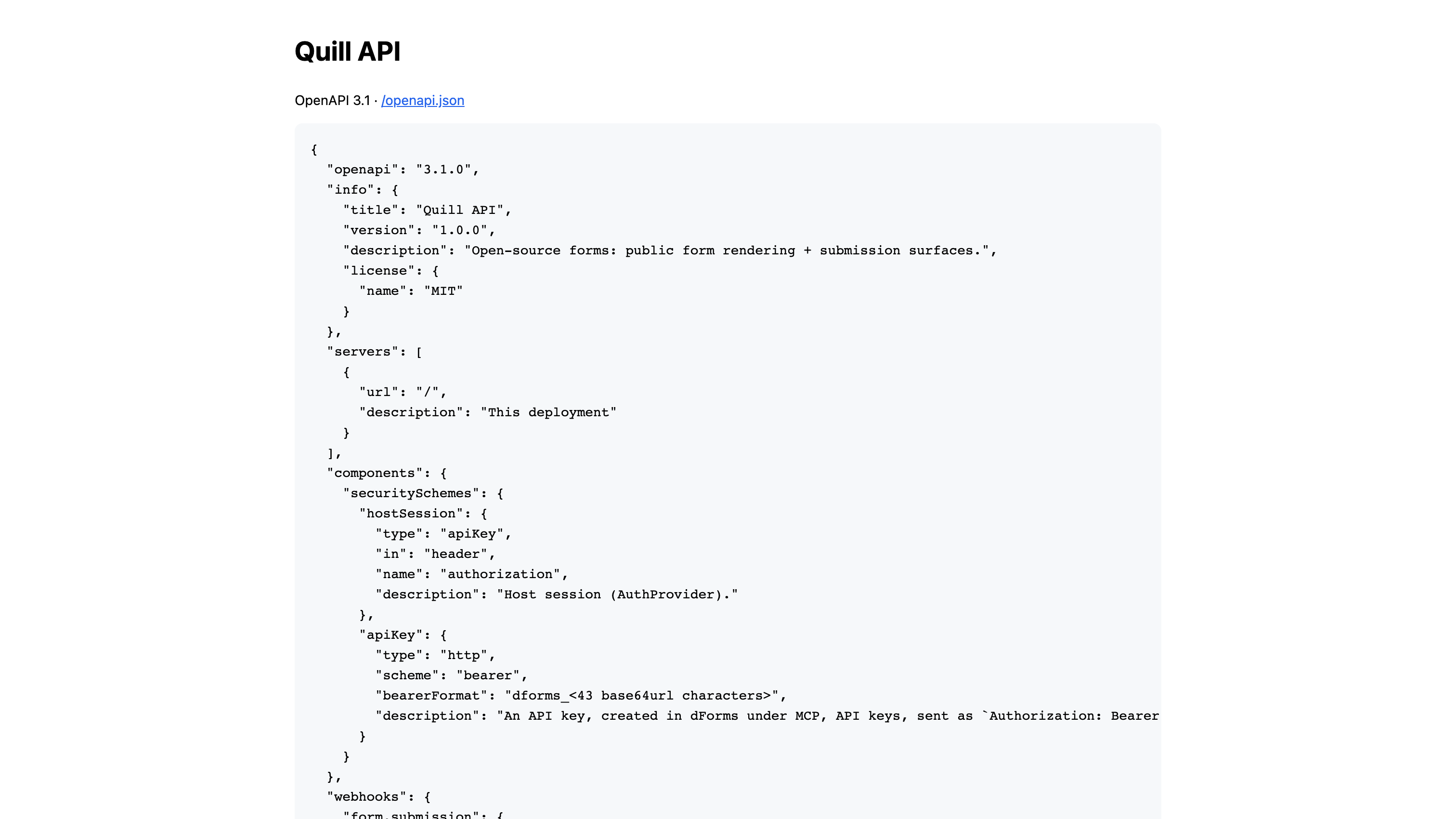
* **`https://api.dforms.ai/openapi.json`**: the OpenAPI 3.1 document, machine readable. Point your client generator or your HTTP client at it.
* **`https://api.dforms.ai/docs`**: the same document rendered as a page, with no external dependencies.
The /docs page prints the OpenAPI document and links to the raw JSON.
The document covers both the public endpoints above and the dashboard endpoints, which are marked as needing a session. On a self-hosted deployment the same two addresses sit on your own API origin.
***
## Rate limits
The public surface is the only part of dForms an anonymous client can reach, so it is throttled per client IP address with a token bucket. The hosted service uses higher limits than the defaults below, which are what a self-hosted deployment gets:
| Default | Value |
| ------- | ------------------------------------------------------ |
| Burst | **60 requests** |
| Refill | **1 request per second** |
| Scope | Per client IP address, across all the public endpoints |
With these defaults you can fire 60 requests back to back, after which you get roughly one request per second, and the allowance builds back up to 60 while you are idle. That is far above what a real respondent filling in a form ever needs, and low enough to make scraping and submission spam expensive.
When you go over it, the API answers **`429 Too Many Requests`** with a `Retry-After` header in whole seconds:
```
HTTP/1.1 429 Too Many Requests
Retry-After: 1
Content-Type: application/json
{"error":"RATE_LIMITED","message":"Too many requests. Please slow down."}
```
Wait for `Retry-After` seconds and retry. Do not retry in a tight loop: every rejected request refills nothing.
> **⚠️ Note:** On a self-hosted deployment these numbers are yours to change: `RATE_LIMIT_CAPACITY`, `RATE_LIMIT_REFILL_PER_SEC` and `RATE_LIMIT_ENABLED`. If your API sits behind a proxy, also set `TRUST_PROXY_HOPS` to match, or every request will look like it comes from the proxy and your visitors will share one bucket. See [Feature flags & environment](/dforms/developers/environment-flags.md).
***
## Calling the API from a browser
Requests from a page on another domain are subject to the usual browser origin rules, and the hosted API allows the origins it serves forms from. To call it from your own site, call it from your server. On a self-hosted deployment you can list extra domains in `CORS_ORIGINS`.
The [embed snippet](/dforms/share/embed.md) is not affected: the form runs in a frame served by dForms, and it reaches the API from there.
***
## What's next
* [Webhooks](/dforms/connect/webhooks.md): get every submission pushed to you instead of polling for it.
* [Payload & headers reference](/dforms/connect/webhooks/payload-reference.md): what a delivery contains.
* [Self-hosting](/dforms/developers/self-hosting.md): run the API yourself.
* [Feature flags & environment](/dforms/developers/environment-flags.md): the settings that change the limits above.
---
# Agent Instructions
This documentation is published with GitBook. GitBook is the documentation platform designed so that both humans and AI agents can read, navigate, and reason over technical content effectively. Learn more at gitbook.com.
## Querying This Documentation
If you need additional information that is not directly available in this page, you can query the documentation by asking a question.
Perform an HTTP GET request on the following URL with the `ask` and `goal` query parameters:
```
GET https://docs.dapta.ai/dforms/developers/public-api.md?ask=&goal=
```
`ask` is the immediate question: it should be specific, self-contained, and written in natural language.
`goal` is what the user is ultimately trying to achieve, the reason they need the answer. Sharing it helps GitBook give you a better, more relevant answer. A goal is most helpful when it describes the outcome the user wants rather than restating the question. For example, with `ask=how do I create an API token`, a goal like `automate deployments from our CI pipeline` lets GitBook tailor the answer to that use case.
The response will contain a direct answer to the question and relevant excerpts and sources from the documentation.
Use this mechanism when the answer is not explicitly present in the current page, you need clarification or additional context, or you want to retrieve related documentation sections.