> For the complete documentation index, see [llms.txt](https://docs.dapta.ai/llms.txt). Markdown versions of documentation pages are available by appending `.md` to page URLs; this page is available as [Markdown](https://docs.dapta.ai/dapta-forms/developers/self-hosting.md).
# Self-hosting
Run your own copy of Dapta Forms: the two apps, the Docker images, PostgreSQL in production, the handful of settings that matter and what changes when you leave the hosted forms.dapta.ai.
Dapta Forms is deployment agnostic: it is plain Node, with no host-only APIs, so it runs on Docker, Kubernetes, a single virtual machine or anything in between. This page is a map. The authoritative instructions live in the repository and are kept up to date with the code.
| Repository file | What it covers |
| ----------------------------------------------------------------------------------------------------------- | ----------------------------------------------------------------------------------------------------------------------------------------------------------------------- |
| [`README.md`](https://github.com/Dapta-Tech/dapta-forms/blob/develop/README.md) | The local development loop: clone, install, run. No database or accounts required. |
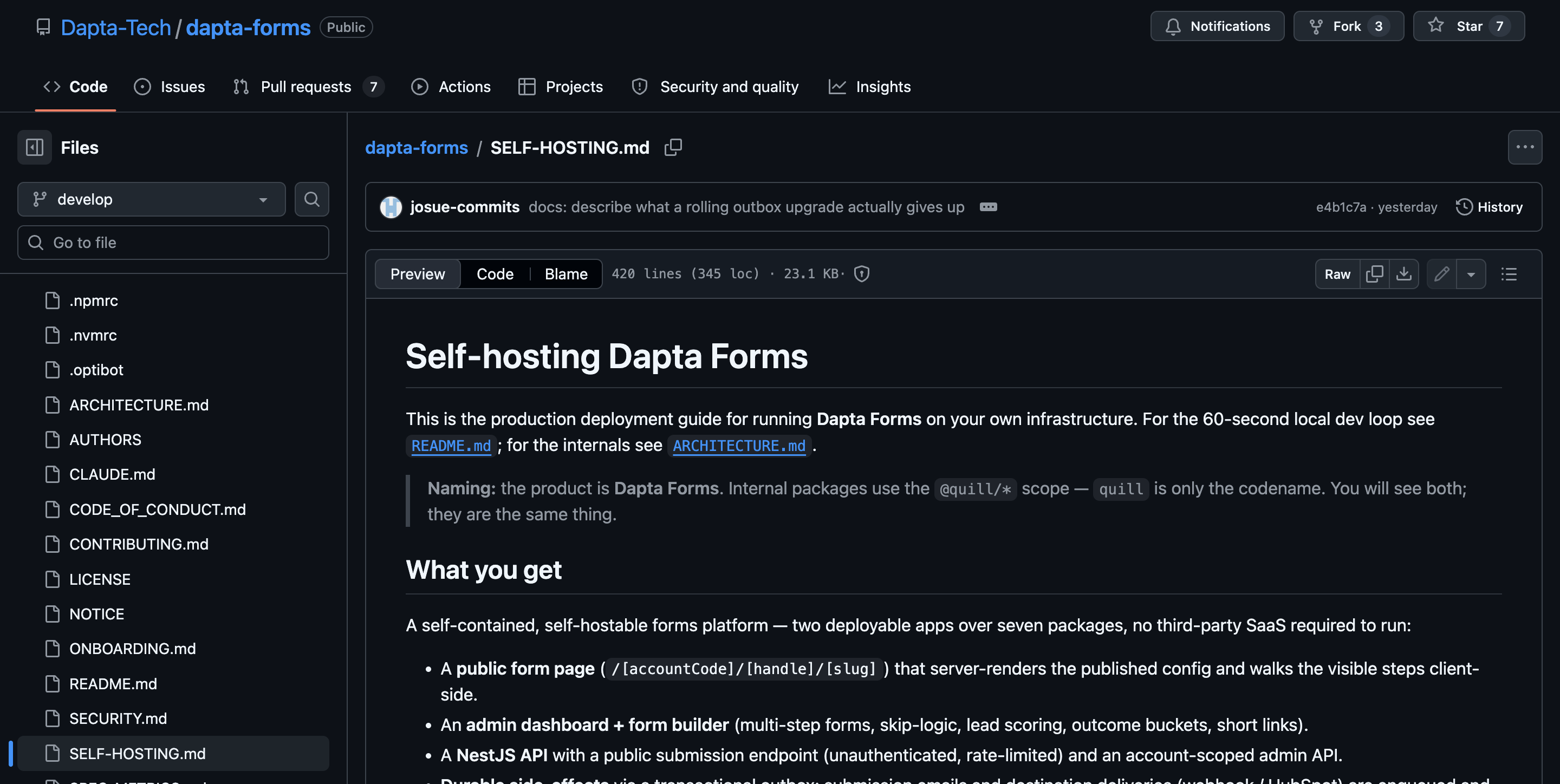
| [`SELF-HOSTING.md`](https://github.com/Dapta-Tech/dapta-forms/blob/develop/SELF-HOSTING.md) | The production guide: building the images, the full environment reference, the database, reverse proxy and TLS, sign in, email, upgrades, rollback and troubleshooting. |
| [`.env.example`](https://github.com/Dapta-Tech/dapta-forms/blob/develop/.env.example) | Every setting with inline notes and its default. |
| [`docker-compose.prod.yml`](https://github.com/Dapta-Tech/dapta-forms/blob/develop/docker-compose.prod.yml) | A production shaped reference stack you can bring up in one command. |
SELF-HOSTING.md in the repository is the production guide. Start there.
***
## The two apps
A Dapta Forms deployment is two containers plus a database.
* **Web** (`apps/web`): the public form pages and the dashboard. Listens on port `3000`.
* **API** (`apps/api`): the public submission endpoints and the dashboard endpoints. Listens on port `4000`, and exposes `/health` and `/health/ready` for your load balancer.
The web app never talks to the database directly, it calls the API over HTTP. That is why the two can be scaled and deployed independently.
Both Dockerfiles take the repository root as the build context:
```bash
docker build -f apps/api/Dockerfile -t dapta-forms-api .
docker build -f apps/web/Dockerfile -t dapta-forms-web \
--build-arg NEXT_PUBLIC_API_URL=https://forms-api.example.com .
```
> **⚠️ Note:** Every `NEXT_PUBLIC_*` value is baked into the web image at build time, not read when the container starts. If you move the API or change any of those values, rebuild the web image.
***
## The database
PostgreSQL is the production database. The repository also supports a SQLite file so you can clone the project and have it running in a minute, but that path is for evaluation and local development only.
* Point `DATABASE_URL` at your PostgreSQL instance.
* **Run the migrations before the API starts.** The API image does not migrate on boot on purpose, so scaling to several replicas never has several of them migrating at once. The reference stack does it with a one-shot `migrate` service that runs and exits.
* Migrations only add things (new tables, new nullable columns), so an upgrade never drops data from a running deployment.
***
## The settings that matter
Everything has a safe default, so a bare deployment boots. These are the ones you will actually set for a real deployment. The full list is in `SELF-HOSTING.md` and `.env.example`.
| Setting | Why you set it |
| --------------------------- | --------------------------------------------------------------------------------------------------------------------------------------------------------------------------------------------------------------------------------------------- |
| `NODE_ENV` | `production` for any real deployment. |
| `DATABASE_URL` | Your PostgreSQL connection string. |
| `PUBLIC_APP_URL` | Your public base URL, for example `https://forms.example.com`. It is the trusted origin used to build sign in redirects and the default list of allowed browser origins. |
| `NEXT_PUBLIC_API_URL` | Where the browser reaches your API. Build time value, so it is baked into the web image. |
| `AUTH_PROVIDER` | Which sign in adapter the dashboard uses. The default is an unauthenticated development stub, and the API refuses to boot with it in production. See **Auth options** in `SELF-HOSTING.md` for the production value and the secrets it needs. |
| `EMAIL_PROVIDER` | `log-only` by default, which prints submission notices to the API log instead of sending them. Switch to SMTP or an HTTP mail API to actually send, and set `MAIL_FROM_EMAIL` and `MAIL_FROM_NAME`. |
| `CORS_ORIGINS` | The extra domains allowed to call your API from a browser. Set it when you embed forms on other sites. |
| `TRUST_PROXY_HOPS` | How many trusted proxies sit in front of the API. It decides which address the rate limiter counts, so get it right or you will throttle everyone as one client. |
| `HUBSPOT_PRIVATE_APP_TOKEN` | Optional. Set it and HubSpot works for the whole deployment. Leave it unset and the HubSpot destination reports a clear disabled state. |
Server settings are validated when the API starts, and a bad value fails loudly with a message naming the offending variable.
***
## Sign in, TLS and email
* Put a reverse proxy in front of both apps and terminate TLS there. Any proxy works: nginx, Caddy, Traefik, a cloud load balancer. Forward to web on `3000` and API on `4000`.
* Public form pages are always open. Sign in only protects the dashboard, and it is a pluggable adapter: the default local stub is fine for evaluation, and a real deployment points it at your own identity service. `SELF-HOSTING.md` has the exact values and secrets.
* Email delivery is also pluggable. Submission notifications are queued and retried with backoff, so a slow or unreachable mail provider never fails a respondent's submission.
***
## What is different from forms.dapta.ai
| On forms.dapta.ai | On your own deployment |
| ------------------------------------------------------------------------ | -------------------------------------------------------------------------------------------------------- |
| You sign in with your Dapta account. | You wire your own sign in, or run the open development stub for evaluation. |
| Workspaces, members, roles and invitations come from your Dapta account. | There are no Dapta workspaces. Membership comes from whatever identity service you connect. |
| HubSpot and Calendly are connected per account from **Connections**. | Same screen, but you supply the tokens, and you can also set one HubSpot token for the whole deployment. |
| Submission emails are sent for you. | Nothing is sent until you configure a mail provider. Until then, notices are written to the API log. |
| Dapta runs backups, upgrades and uptime. | You do: database backups, migrations, image upgrades and rollbacks are yours. |
| Support and bug reports go through Dapta. | Support is the repository: issues and pull requests on GitHub. |
Everything else, the editor, logic, scoring, design, webhooks, submissions and analytics, is the same product.
***
## What's next
* [Public API & rate limits](/dapta-forms/developers/public-api.md): the endpoints your deployment exposes.
* [Feature flags & environment](/dapta-forms/developers/environment-flags.md): the settings that change what your users see.
* [Connections (account level)](/dapta-forms/connect/connections.md): the screen where HubSpot and Calendly are connected.
---
# Agent Instructions
This documentation is published with GitBook. GitBook is the documentation platform designed so that both humans and AI agents can read, navigate, and reason over technical content effectively. Learn more at gitbook.com.
## Querying This Documentation
If you need additional information that is not directly available in this page, you can query the documentation dynamically by asking a question.
Perform an HTTP GET request on the current page URL with the `ask` query parameter, and the optional `goal` query parameter:
```
GET https://docs.dapta.ai/dapta-forms/developers/self-hosting.md?ask=&goal=
```
`ask` is the immediate question: it should be specific, self-contained, and written in natural language.
`goal` is optional and describes the broader end goal you are ultimately trying to accomplish on behalf of the user. GitBook uses it to tailor the answer towards what is most useful for that goal.
The response will contain a direct answer to the question and relevant excerpts and sources from the documentation.
Use this mechanism when the answer is not explicitly present in the current page, you need clarification or additional context, or you want to retrieve related documentation sections.