πSign in with your Dapta account
Sign in to Dapta Forms with your Dapta account: click Continue with Dapta, land in your workspace, find your profile and workspace in the left menu, and understand what Log out does to your shared Dap
Dapta Forms does not have its own passwords. You sign in with the same Dapta account you use at app.dapta.ai, and you land in a workspace you already belong to. This page shows what to expect the first time and where your account lives in the interface.
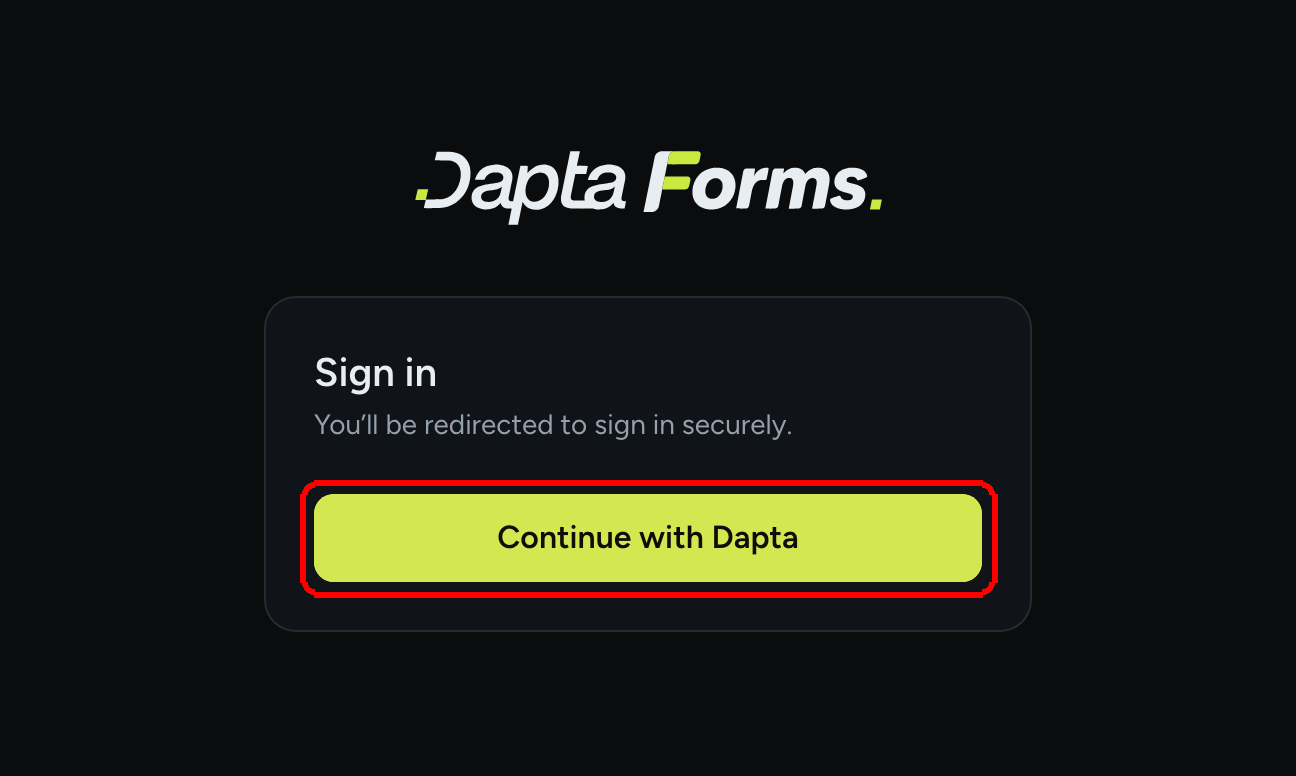
Step 1: Go to forms.dapta.ai. If you are not signed in yet, you are taken straight to the secure Dapta sign-in, the same screen as app.dapta.ai. If you arrive on the Sign in card instead (for example right after logging out), click Continue with Dapta.

Use whichever method your Dapta account uses there (Google, Microsoft, LinkedIn or email, depending on what is enabled for you). If you do not have a Dapta account yet, create one on the same screen: it is free.
β οΈ Note: If you see Something went wrong signing in. Please try again., reload forms.dapta.ai and click Continue with Dapta again. A sign-in that simply expired does not log you out of the Dapta app.
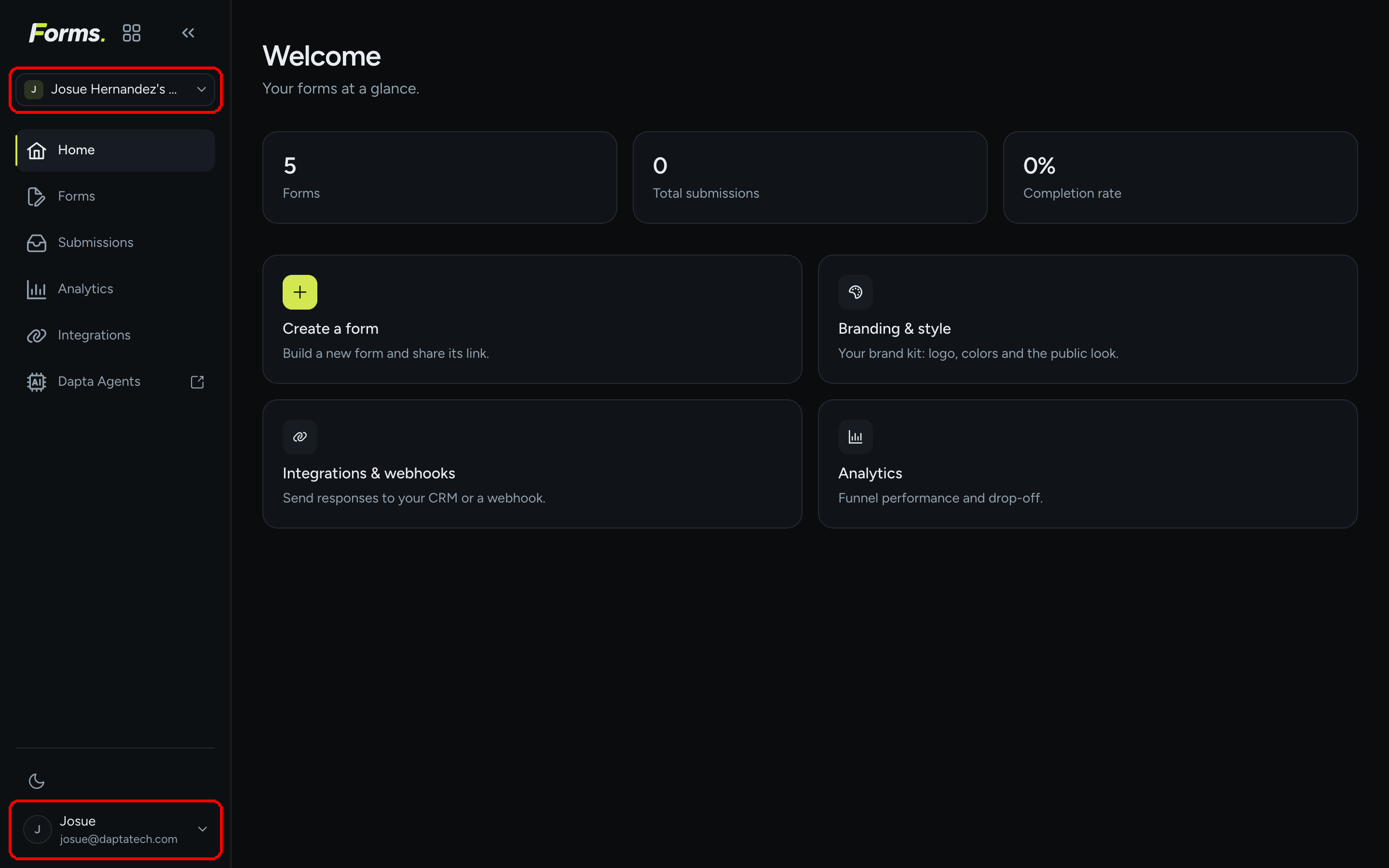
Step 2: You land on Home. On your first sign-in, Dapta Forms creates your Forms profile from your Dapta account:
Your workspace is the Dapta workspace you belong to, shown at the top of the left menu. If you belong to several, the first one is selected and you can switch with the workspace switcher. The first person to open a workspace in Forms becomes its owner; everyone else keeps the role they have in the Dapta app.
Your handle is derived from your name or email (for example
alex). It becomes part of every public form URL:forms.dapta.ai/{account code}/{handle}/{form slug}.Your profile (name, email and avatar initial) sits at the bottom of the left menu.

Nothing else is required. You can click Create a form right away, or read the Dashboard tour first.
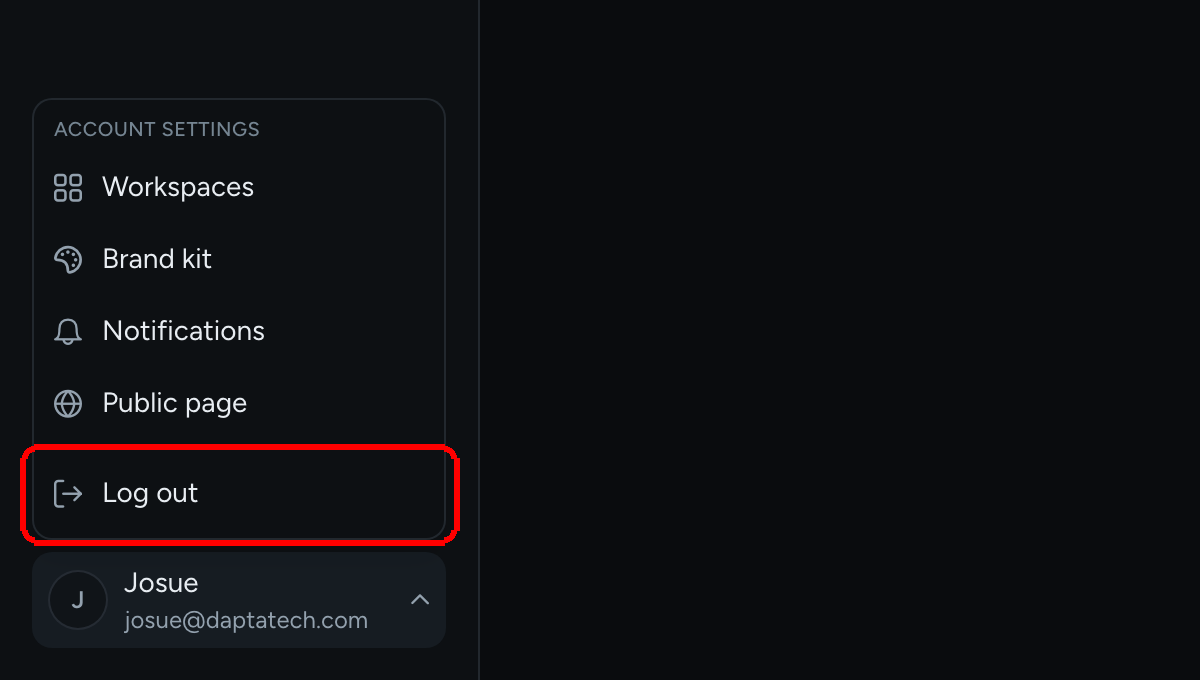
Step 3: To sign out, click your profile at the bottom of the left menu and choose Log out.

β οΈ Note: Log out ends your Forms session and the shared Dapta session, so you will also be signed out of app.dapta.ai in that browser. You land back on the Sign in card, where Continue with Dapta gets you in again.
Reference: what is shared with the Dapta app
Login
Yes
One identity, one sign-in screen. Logging out of Forms logs you out of both.
Workspaces
Yes
Same workspaces, same names. Renaming a workspace in Forms renames it in the Dapta app too.
Members and roles
Yes
Owner, admin and member map to the roles in the Dapta app. Ownership is transferred from the Dapta app, not from Forms.
Forms, submissions, brand kit
No
These live in Dapta Forms only.
Billing
Not needed
Dapta Forms is free. The vanity slug in your public URL is the only perk tied to a Dapta AI subscription.
What's next
Last updated