> For the complete documentation index, see [llms.txt](https://docs.dapta.ai/llms.txt). Markdown versions of documentation pages are available by appending `.md` to page URLs; this page is available as [Markdown](https://docs.dapta.ai/dapta-forms/share.md).

# Publish, Share & Embed

Every way to get a published Dapta Form in front of people: the public link, an embed on your own website, and a page at your handle that lists your forms.

A form stays private until you click **Publish**. From that moment it lives at a public URL that anyone can open, on any device, with no Dapta account and nothing to install.

Everything you need to share it sits in one place: the three icon buttons next to **Publish** in the editor topbar.

<figure><img src="https://3835013762-files.gitbook.io/~/files/v0/b/gitbook-x-prod.appspot.com/o/spaces%2FCy5rSNtQmtqYCGzJlNEB%2Fuploads%2Fgit-blob-fd0255d5386e77d41d759d9b357ebaed647313eb%2Fforms-share-01-share-cluster.png?alt=media" alt="The editor topbar with the Copy link, Embed and Open form buttons highlighted next to Publish"><figcaption><p><strong>Copy link</strong>, <strong>Embed</strong> and <strong>Open form</strong>, always one click away from <strong>Publish</strong>.</p></figcaption></figure>

***

## What people get

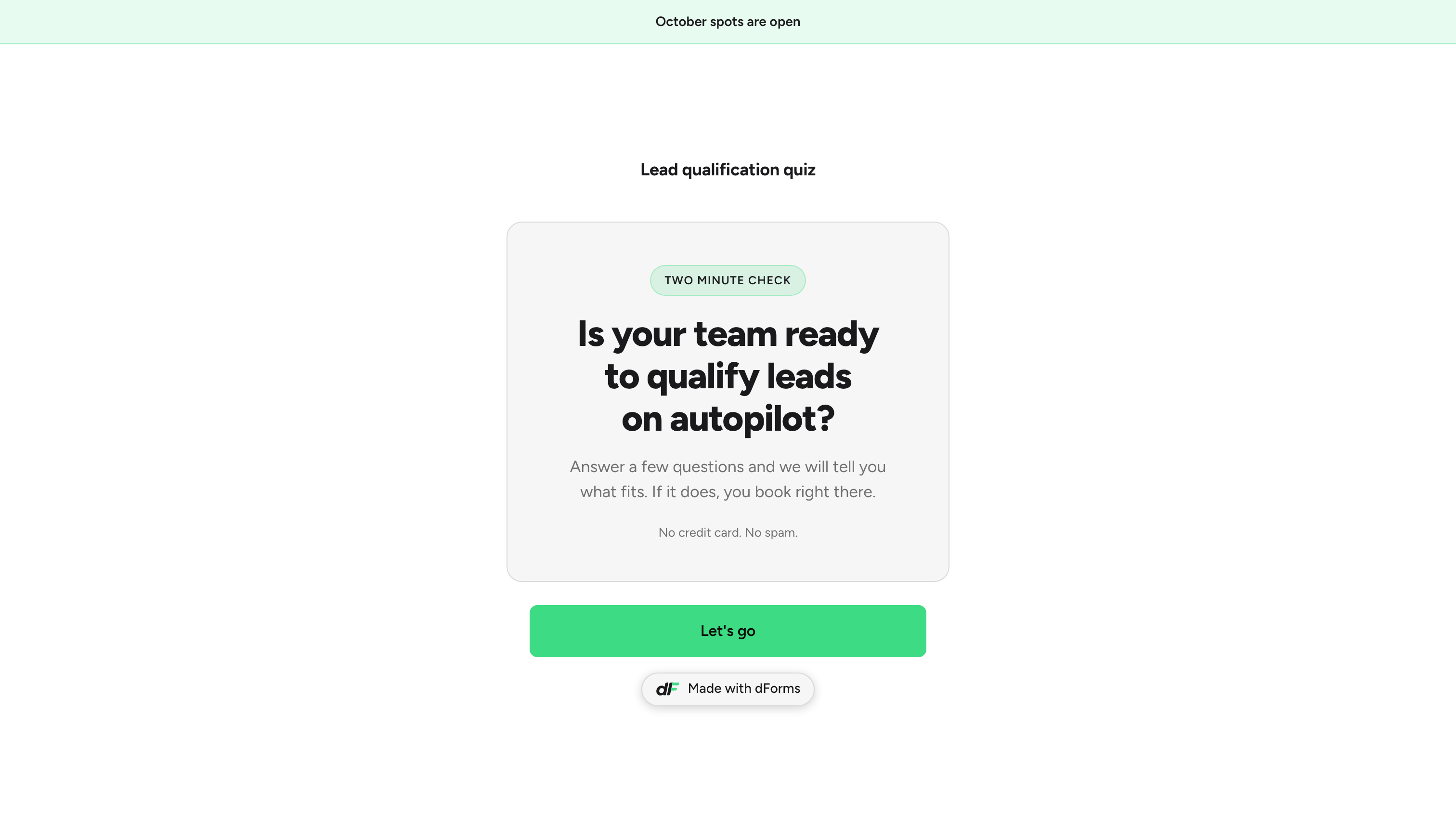
The link opens the live, published version of your form. Respondents see your design, your questions and your logic, and nothing of the editor.

<figure><img src="https://3835013762-files.gitbook.io/~/files/v0/b/gitbook-x-prod.appspot.com/o/spaces%2FCy5rSNtQmtqYCGzJlNEB%2Fuploads%2Fgit-blob-1eed764201d63382a812214d3a3e40db4c7a099c%2Fforms-share-02-public-form.png?alt=media" alt="The published form on desktop showing the first question"><figcaption><p>The live form. This is the page your link, your embed and your social preview all point at.</p></figcaption></figure>

> **⚠️ Note:** New edits stay in the draft until you publish again. Respondents keep seeing the last published version, and the **Unpublished changes** dot next to **Publish** reminds you there is something waiting. See [Autosave, drafts & publishing](/dapta-forms/builder/autosave-and-publishing.md).

***

## In this section

* [Your public link](/dapta-forms/share/public-link.md): the shape of the URL, the three places you can copy it from, how the slug is built and why old links never break.
* [Embed on your website](/dapta-forms/share/embed.md): the **Embed** dialog, the snippet it gives you, how the height stays in sync and where to paste it.
* [Your public page](/dapta-forms/share/public-page.md): a page at your handle that lists the forms you want people to find.

## What's next

* [Share card (social preview image)](/dapta-forms/design/share-card.md): the image people see when your link is pasted into a chat or a post.
* [Submissions](/dapta-forms/results/submissions.md): read the answers as they come in.
* [Analytics](/dapta-forms/results/analytics.md): views, starts, completion rate and drop-off per question.


---

# Agent Instructions
This documentation is published with GitBook. GitBook is the documentation platform designed so that both humans and AI agents can read, navigate, and reason over technical content effectively. Learn more at gitbook.com.

## Querying This Documentation
If you need additional information that is not directly available in this page, you can query the documentation dynamically by asking a question.

Perform an HTTP GET request on the current page URL with the `ask` query parameter, and the optional `goal` query parameter:

```
GET https://docs.dapta.ai/dapta-forms/share.md?ask=<question>&goal=<endgoal>
```

`ask` is the immediate question: it should be specific, self-contained, and written in natural language.
`goal` is optional and describes the broader end goal you are ultimately trying to accomplish on behalf of the user. GitBook uses it to tailor the answer towards what is most useful for that goal.

The response will contain a direct answer to the question and relevant excerpts and sources from the documentation.

Use this mechanism when the answer is not explicitly present in the current page, you need clarification or additional context, or you want to retrieve related documentation sections.