> For the complete documentation index, see [llms.txt](https://docs.dapta.ai/llms.txt). Markdown versions of documentation pages are available by appending `.md` to page URLs; this page is available as [Markdown](https://docs.dapta.ai/dapti/capabilities/account-evaluation.md).

# Account Evaluation

Beyond looking at one agent or one call, Dapti can step back and evaluate your entire Dapta account. It scorecard your configuration, surfaces gaps and inconsistencies, and tells you what to fix next, in order of impact. Below are three of the most useful evaluation conversations.

{% hint style="info" %}
Dapti pulls from everything it has access to: your agents, calls, output variables, integrations, plan, credits, contacts, and onboarding data. The richer your workspace, the sharper its analysis.
{% endhint %}

***

## Run a Full Health Check

Ask Dapti for a top-to-bottom scan of your workspace. Dapti returns a phased scorecard (Configuration → Optimization → Scale), notes what is done and what is missing, and ends with a plain-English summary and prioritized next steps.

**Try this prompt:**

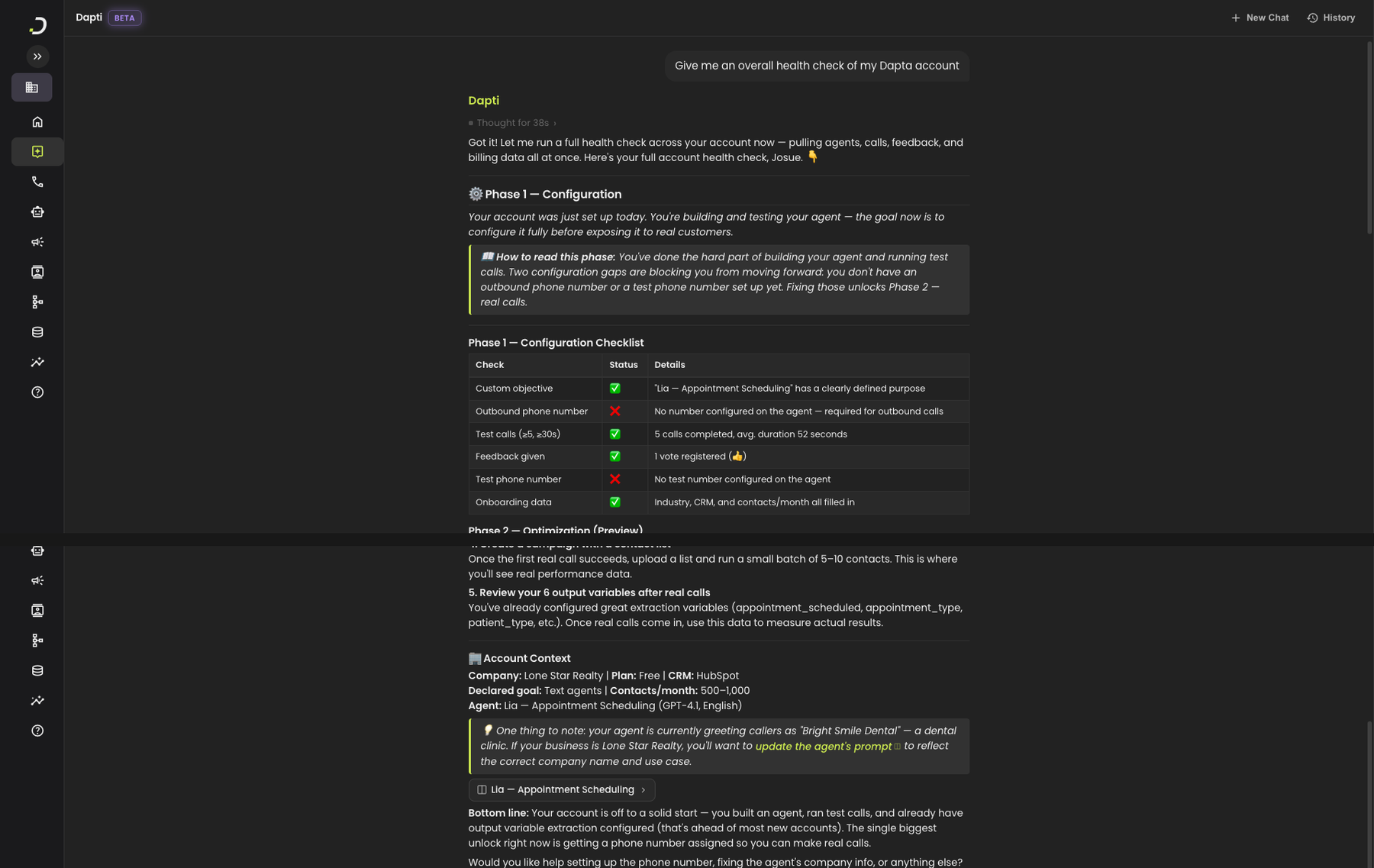
> *Give me an overall health check of my Dapta account.*

Dapti will pull agents, calls, feedback, integrations, and plan data in parallel, then organize everything into a scorecard. It also catches inconsistencies, like an agent prompt that does not match the company on file.

<figure><img src="/files/0mkNygUzObB50hjGj07I" alt="Dapti running a full account health check showing Phase 1 configuration checklist with status for objective, phone number, test calls, feedback, test phone, and onboarding data, plus Account Context, an inconsistency callout flagging that the agent&#x27;s prompt references the wrong company, and a bottom-line summary"><figcaption><p>Dapti's full health check: a phased scorecard, an Account Context block, and a plain-English summary of where you stand.</p></figcaption></figure>

Other health-check prompts you can use:

* *"Score my account from 1 to 10 and explain why"*
* *"Compare my account today to last week"*
* *"What's working well in my workspace right now?"*

***

## Diagnose a Specific Gap

When you suspect something is off but you are not sure what, ask Dapti to drill in. Dapti will pull only the data relevant to the question and answer with the diagnosis plus a prioritized fix list.

**Try this prompt:**

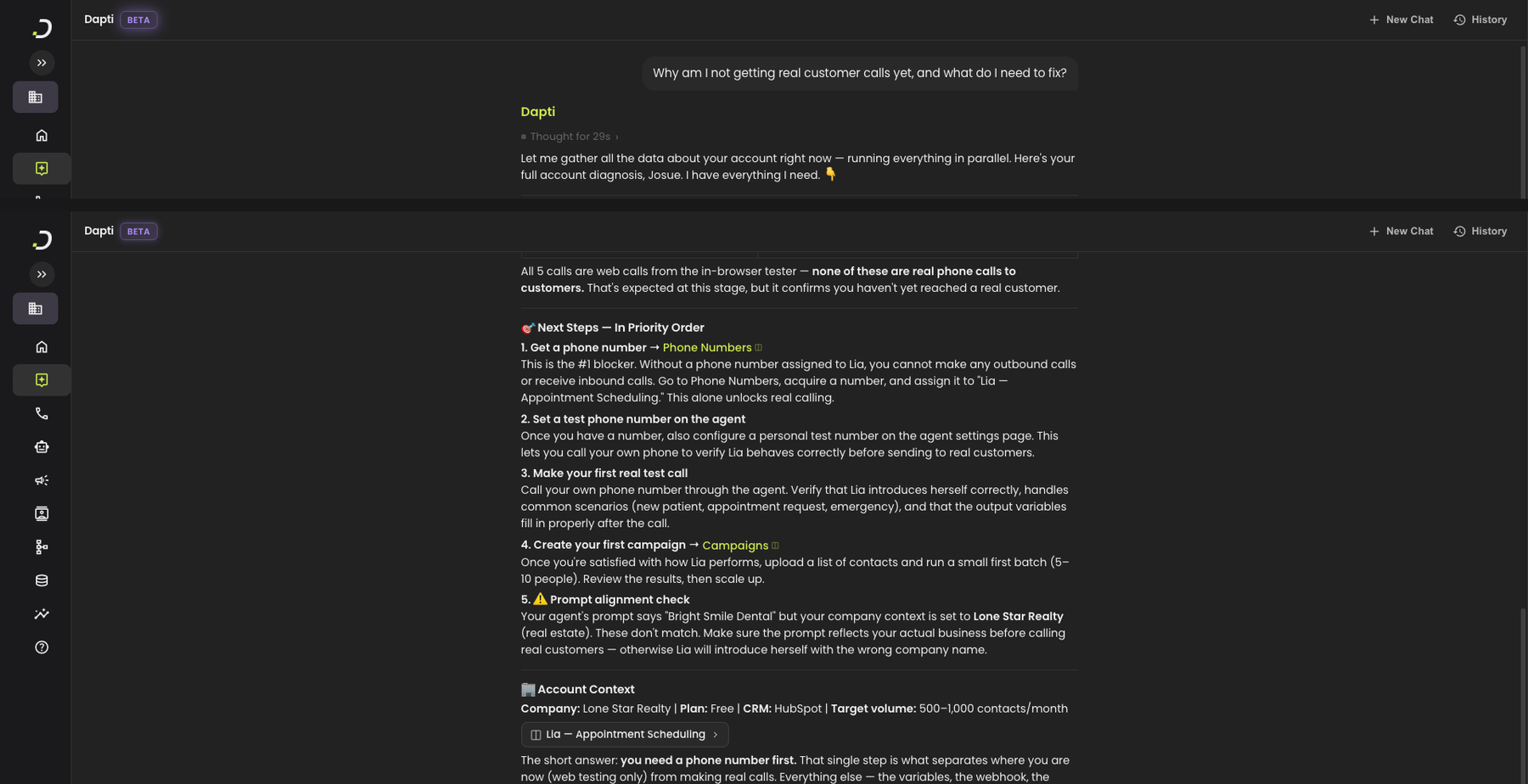
> *Why am I not getting real customer calls yet, and what do I need to fix?*

<figure><img src="/files/Q6jjiDADPk4lRpsz8oM3" alt="Dapti diagnosing why no real calls are happening, listing 5 prioritized next steps including assigning a phone number, setting up a test number, making a real test call, creating a campaign, and a prompt-alignment warning, plus an Account Context block and a one-sentence short answer summary"><figcaption><p>Dapti diagnoses the blocking issue and returns a prioritized fix list, not a generic checklist.</p></figcaption></figure>

Other drill-down prompts you can use:

* *"Are my integrations set up correctly?"*
* *"Is Lia ready to go live with real customers?"*
* *"Why are some of my agents performing better than others?"*
* *"What changed in my account this week?"*

{% hint style="success" %}
Dapti will catch inconsistencies you might miss on your own, like a prompt that still references your old business name, an agent that has no phone number, or a flow with no executions in weeks.
{% endhint %}

***

## Get the Single Next Step

When you want one answer instead of a list, ask Dapti to pick the highest-impact action and stop. It compresses the scorecard into one recommendation, explains why it matters, and tells you exactly how to do it.

**Try this prompt:**

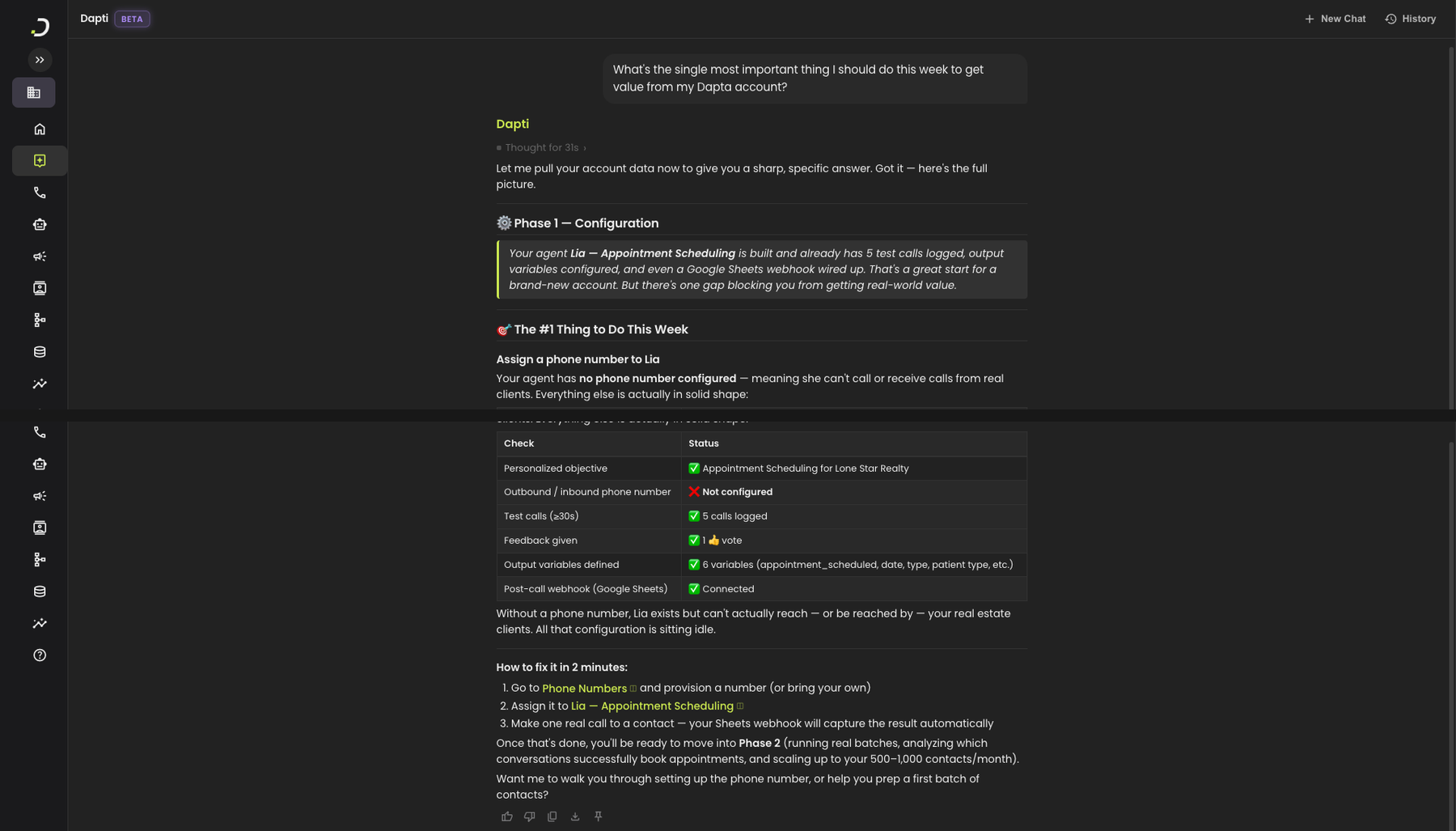
> *What's the single most important thing I should do this week to get value from my Dapta account?*

<figure><img src="/files/8armmqPqrbe65NyB3iGW" alt="Dapti recommending the single highest-impact next step (assign a phone number to Lia), with a brief explanation of why, a status table confirming everything else is in good shape, and a 2-minute step-by-step guide for completing the fix"><figcaption><p>Dapti picks the single highest-impact next step, explains why, and gives you exactly the steps to do it.</p></figcaption></figure>

Other prioritization prompts you can use:

* *"What should I focus on first this quarter?"*
* *"If I only have 30 minutes today, what should I do?"*
* *"What's the cheapest win I can get this week?"*

***

## Next Steps

{% content-ref url="/pages/8wVES3iaqOWdKUGLxUjn" %}
[Industry Benchmarks](/dapti/capabilities/industry-benchmarks.md)
{% endcontent-ref %}

{% content-ref url="/pages/ITt1P6qAQhK8f6FgbVFk" %}
[Call Analytics](/dapti/capabilities/call-analytics.md)
{% endcontent-ref %}

{% content-ref url="/pages/UjlkeeYDNhNUVMDiFvdf" %}
[Commercial Support](/dapti/capabilities/commercial-support.md)
{% endcontent-ref %}


---

# Agent Instructions
This documentation is published with GitBook. GitBook is the documentation platform designed so that both humans and AI agents can read, navigate, and reason over technical content effectively. Learn more at gitbook.com.

## Querying This Documentation
If you need additional information that is not directly available in this page, you can query the documentation dynamically by asking a question.

Perform an HTTP GET request on the current page URL with the `ask` query parameter:

```
GET https://docs.dapta.ai/dapti/capabilities/account-evaluation.md?ask=<question>
```

The question should be specific, self-contained, and written in natural language.
The response will contain a direct answer to the question and relevant excerpts and sources from the documentation.

Use this mechanism when the answer is not explicitly present in the current page, you need clarification or additional context, or you want to retrieve related documentation sections.