> For the complete documentation index, see [llms.txt](https://docs.dapta.ai/llms.txt). Markdown versions of documentation pages are available by appending `.md` to page URLs; this page is available as [Markdown](https://docs.dapta.ai/dapti/capabilities/scheduled-tasks.md).

# Scheduled Tasks

Anything Dapti can do once, you can ask it to do on a schedule: daily reports, weekly summaries, hourly Sheets updates, every-30-minutes hot-lead alerts. Dapti translates "every weekday at 8 a.m." into the cron and the Flow Studio plumbing for you. Below are three of the most useful scheduling conversations.

{% hint style="info" %}
Many scheduled tasks send results somewhere (email, Sheets, Slack), so they need the relevant integration connected. Dapti will tell you up front if something is missing and link you to the integrations page.
{% endhint %}

***

## Create a Scheduled Task

Tell Dapti what to do and when. Dapti builds the underlying flow, schedules it, and tests it before going live.

**Try this prompt:**

> *Schedule a recurring task to send me a daily summary of yesterday's meetings every weekday at 8 a.m.*

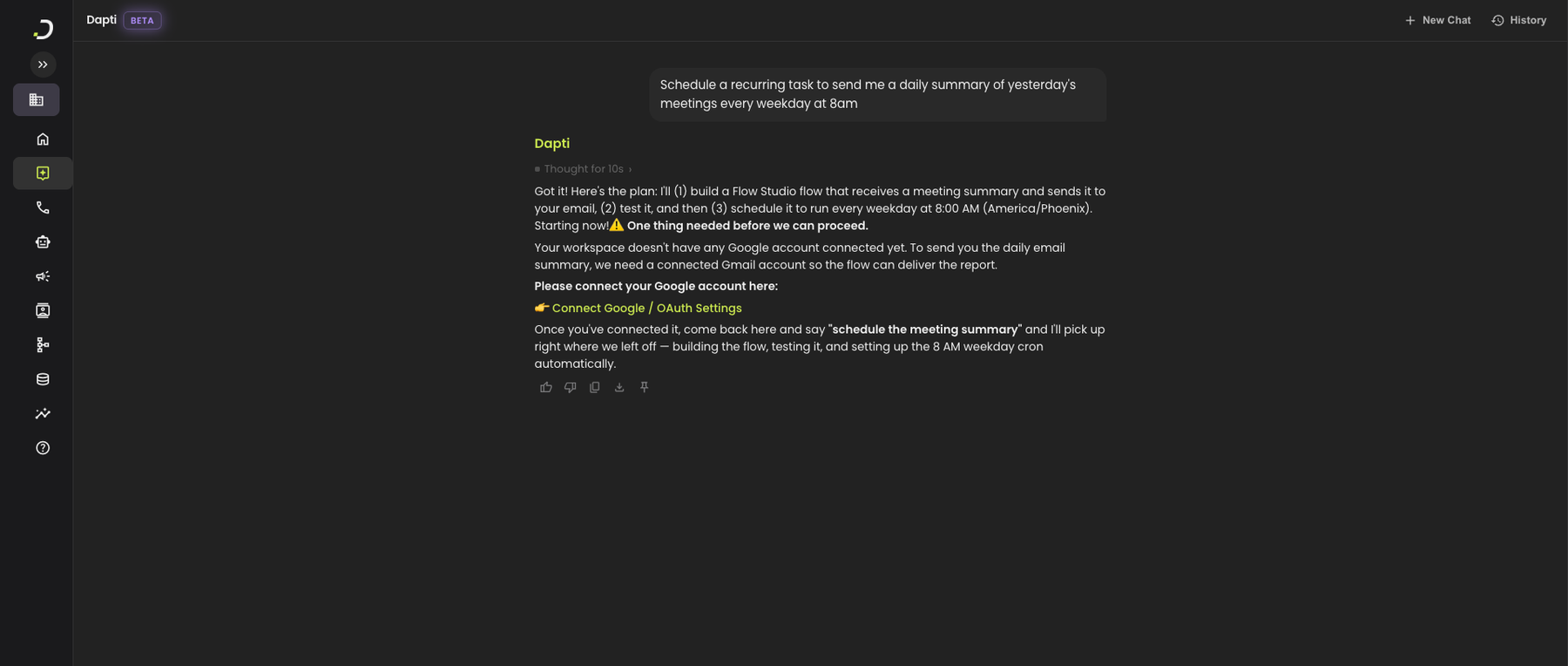
Dapti plans the full setup (build the flow, test it, schedule the cron) and checks the integrations it needs first. If anything is missing, you get a one-click link to connect it before Dapti continues.

<figure><img src="/files/MNWPBNYojEkjY85L8Ug6" alt="Dapti planning a scheduled task to send a daily meeting summary every weekday at 8am, flagging that Google is not connected yet and providing a Connect Google link, with clear instructions on what to do once the integration is connected"><figcaption><p>Dapti plans the full setup and stops to ask for any missing integrations before it builds.</p></figcaption></figure>

Other create-schedule prompts you can use:

* *"Send me a call summary every Monday at 9 a.m."*
* *"Log qualified leads to my Google Sheet every hour"*
* *"Run my outbound campaign flow every weekday at 10 a.m."*
* *"Remind me tomorrow at 3 p.m. to review agent feedback"*

***

## List Your Scheduled Tasks

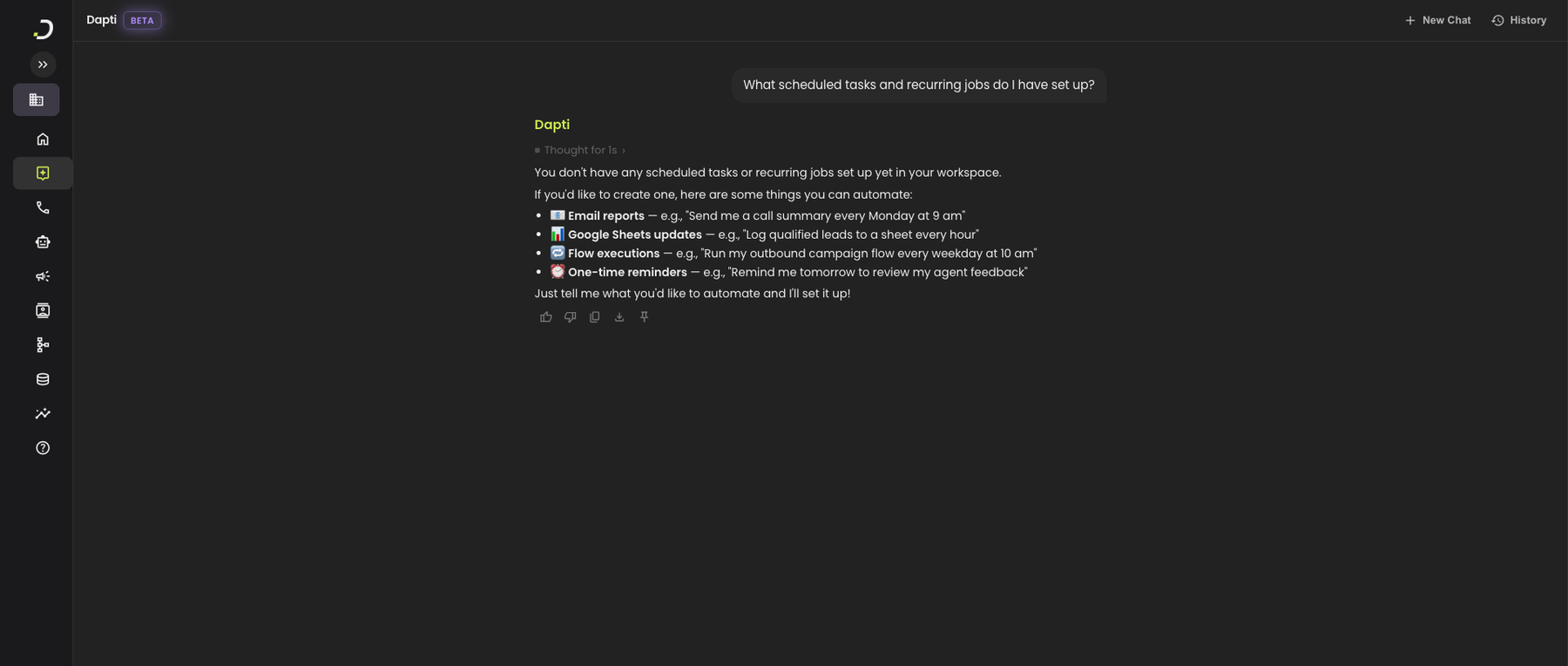
Ask Dapti for a quick read on what is currently scheduled in your workspace. If there is nothing yet, Dapti will suggest a few starter automations.

**Try this prompt:**

> *What scheduled tasks and recurring jobs do I have set up?*

<figure><img src="/files/UrPdY1hnieEDUlethhoy" alt="Dapti reporting that no scheduled tasks exist yet in the workspace, then suggesting four common automation patterns the user could set up: email reports, Google Sheets updates, flow executions, and one-time reminders"><figcaption><p>An empty-state response that also gives you four starting points to set up your first schedule.</p></figcaption></figure>

Other list/manage prompts you can use:

* *"Pause my Monday email report"*
* *"Change my 8 a.m. summary to 9 a.m."*
* *"Stop sending me the weekly Sheets update"*
* *"Show me the execution history for my scheduled flow"*

***

## Get Ideas for High-Impact Automations

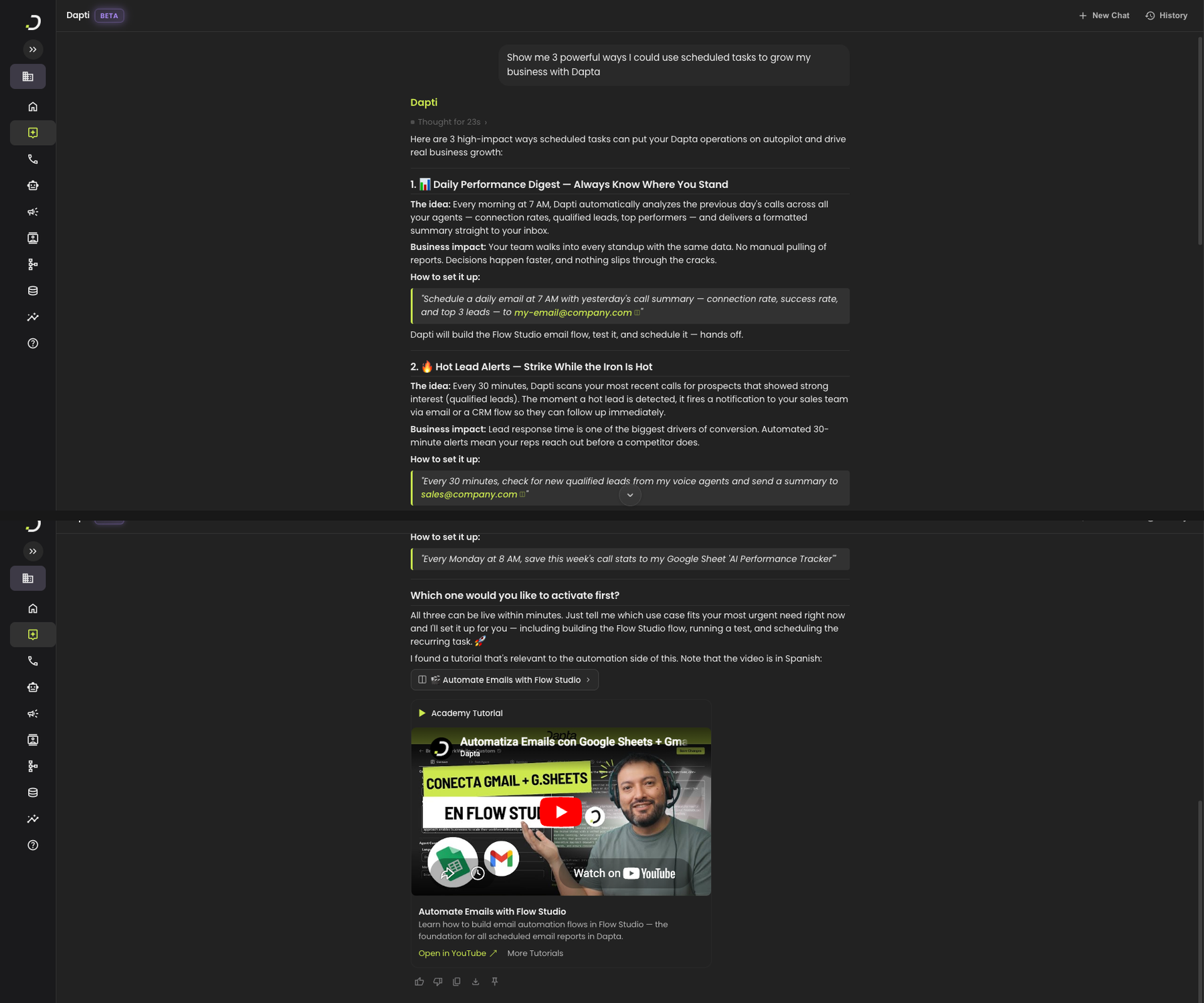
If you do not know what to automate yet, ask Dapti for recommendations grounded in your actual workspace and use case. Dapti returns concrete, business-focused suggestions, not generic advice.

**Try this prompt:**

> *Show me 3 powerful ways I could use scheduled tasks to grow my business with Dapta.*

<figure><img src="/files/eJyHuRGgemfyXUyCfZrM" alt="Dapti recommending 3 specific scheduling patterns including a daily call performance digest, a 30-minute hot-lead alert to sales, and a weekly ROI tracker that appends KPIs to a Google Sheet, each with business impact rationale and the exact prompt to activate them, plus a linked Academy tutorial on email automation"><figcaption><p>Dapti turns "what should I automate?" into three concrete, business-focused recommendations, each with the exact prompt to activate it.</p></figcaption></figure>

Other ideation prompts you can use:

* *"What's the most useful daily report I could set up?"*
* *"Help me automate my Monday morning routine"*
* *"What scheduled tasks should I run for a real estate brokerage?"*
* *"Which scheduled jobs give the highest ROI for a 5-person sales team?"*

{% hint style="success" %}
Once Dapti recommends an automation, you can activate it in the same chat: just say "set up the hot-lead alert" and Dapti builds the flow and schedules the cron.
{% endhint %}

***

## Next Steps

{% content-ref url="/pages/YqBTi7hYBrv2edraanBJ" %}
[Flow Studio](/dapti/capabilities/flow-studio.md)
{% endcontent-ref %}

{% content-ref url="/pages/9VV2mFTv81FnCZ0y12C3" %}
[Account Evaluation](/dapti/capabilities/account-evaluation.md)
{% endcontent-ref %}

{% content-ref url="/pages/XgNL8X3CGabWk1aDE5X4" %}
[Tips & Prompting](/dapti/tips-and-prompting.md)
{% endcontent-ref %}


---

# Agent Instructions
This documentation is published with GitBook. GitBook is the documentation platform designed so that both humans and AI agents can read, navigate, and reason over technical content effectively. Learn more at gitbook.com.

## Querying This Documentation
If you need additional information that is not directly available in this page, you can query the documentation dynamically by asking a question.

Perform an HTTP GET request on the current page URL with the `ask` query parameter:

```
GET https://docs.dapta.ai/dapti/capabilities/scheduled-tasks.md?ask=<question>
```

The question should be specific, self-contained, and written in natural language.
The response will contain a direct answer to the question and relevant excerpts and sources from the documentation.

Use this mechanism when the answer is not explicitly present in the current page, you need clarification or additional context, or you want to retrieve related documentation sections.