> For the complete documentation index, see [llms.txt](https://docs.dapta.ai/llms.txt). Markdown versions of documentation pages are available by appending `.md` to page URLs; this page is available as [Markdown](https://docs.dapta.ai/marketing-studio/setting-up-your-content-automation-with-daptas-marketing-studio.md).
# Setting Up Your Content Automation with Dapta’s Marketing Studio
It is very important to have a detailed context to generate an optimal result in content generation with AI.
Setting up content generation consists, as a first step, of providing context about your company. The quality of the context provided about a company is crucial to determine the outcome of the ideas and content generated. A detailed and specific context allows you to create original, valuable and relevant articles for the target audience. In contrast, a basic or generic context can result in repetitive ideas, unattractive content and content that does not provide value to the user.
Below, we will explore the key elements to build a solid and effective context that drives the generation of high quality content:
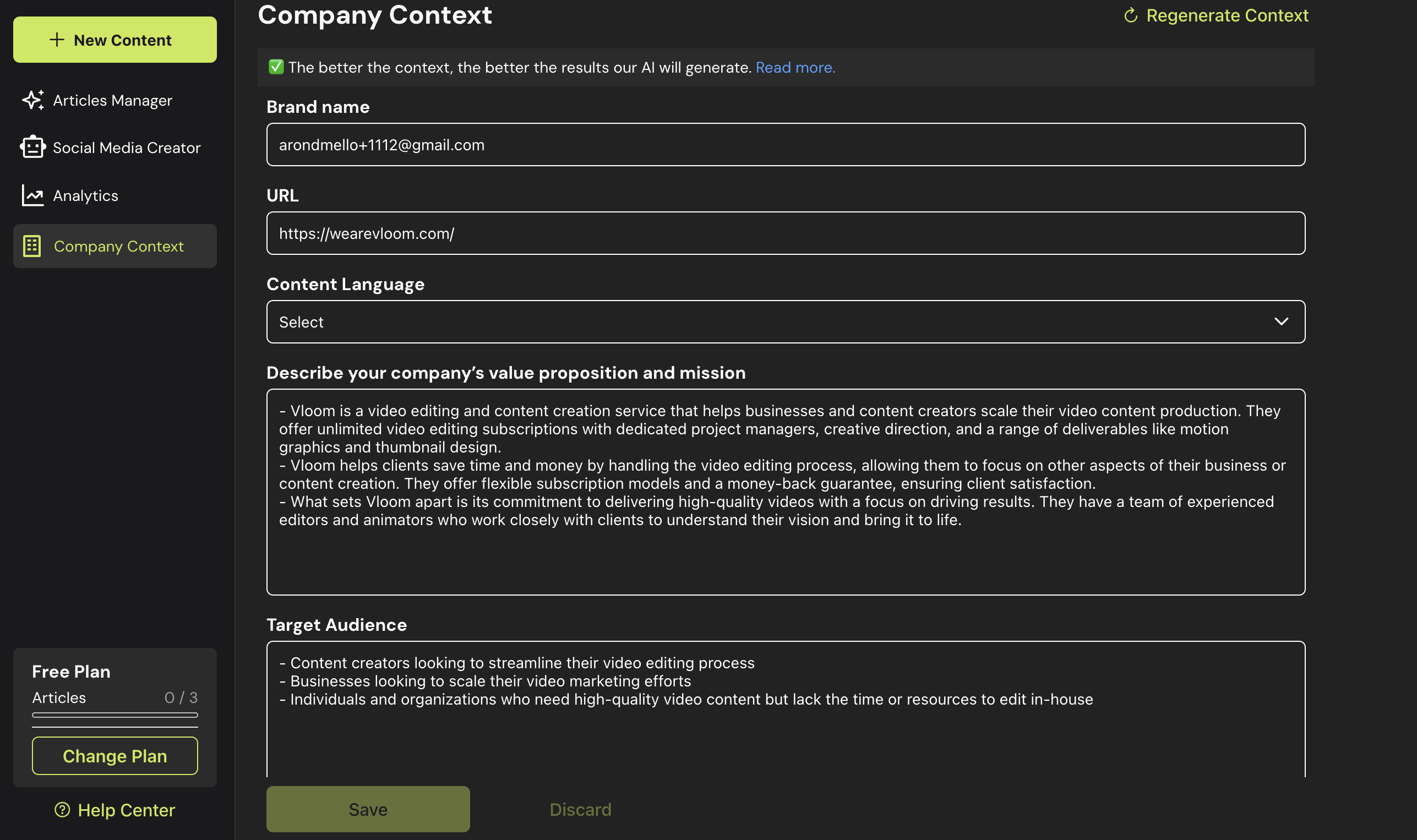
1. Enter to Marketing Studio and go to **Company Context**
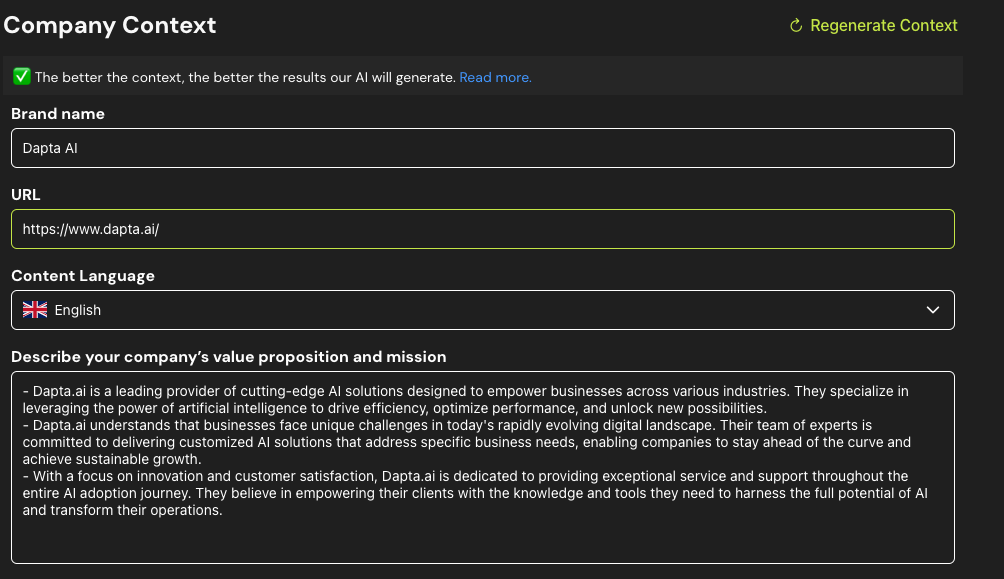
## Define Your Brand Name, URL, and Preferred Language
Begin by inputting essential details about your company. This will help align the generated content with your business identity.
1. **Brand Name**: Enter the name of your business.
2. **URL**: Provide the link to your company’s website.
3. **Preferred Language**: Select the content language. You can adjust this later if necessary.
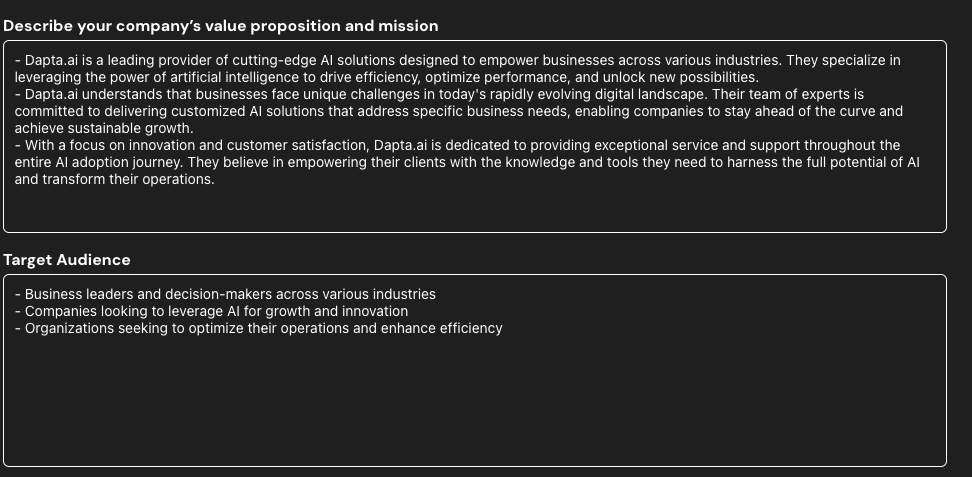
## Company Mission.
This section is fundamental to understanding the essence of the company. Some guiding questions to develop it are:
1. **What does the company do:** Describe the company's core business and the value it offers to its customers.
2. **What differentiates it from other similar companies:** Identify the unique characteristics that distinguish the company from its competitors.
3. **Why does a user buy from the company:** Analyze the reasons why customers choose this company over others.
4. **What is the problem they solve:** Clearly define the problem or need the company addresses.
5. **Why do they solve that problem:** Explain why the company is uniquely positioned to solve the problem.
## Target Audience.
Defining the target audience is essential to targeting content effectively. Some key questions to ask are:
* **Are they businesses or individuals:** Determine whether the target audience is businesses (B2B) or individual consumers (B2C).
* **If they are businesses, in what industry:** Identify the industry or sector to which the target businesses belong.
* **In which country:** Determine the geographic location of the target audience.
* **What is the role within the buying company:** Identify the position or role of the purchasing decision maker within the target companies.
* **What size company would be a good customer:** Determine whether the company is targeting small, medium, or large companies.
**Recommendations:**
* Detailed List: List the characteristics of the target audience clearly and concisely.
* Examples: Provide examples of companies or individuals that represent the target audience.
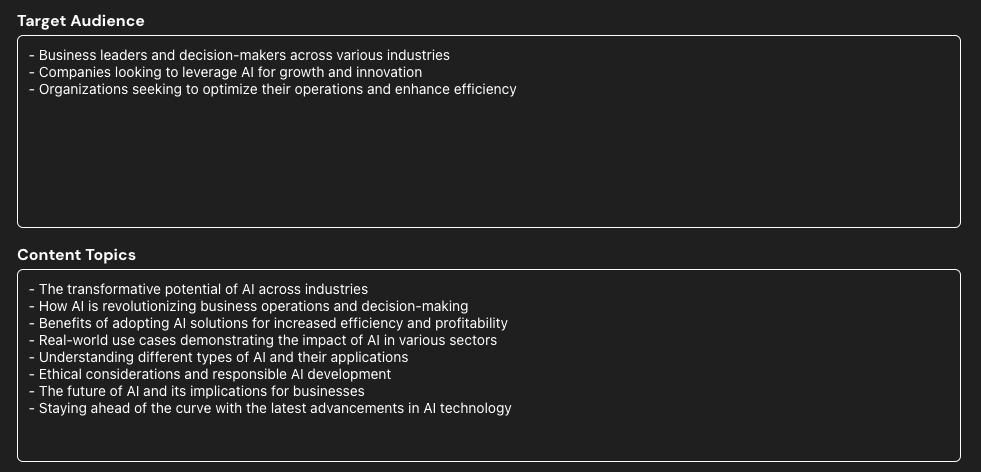
## Content Topics.
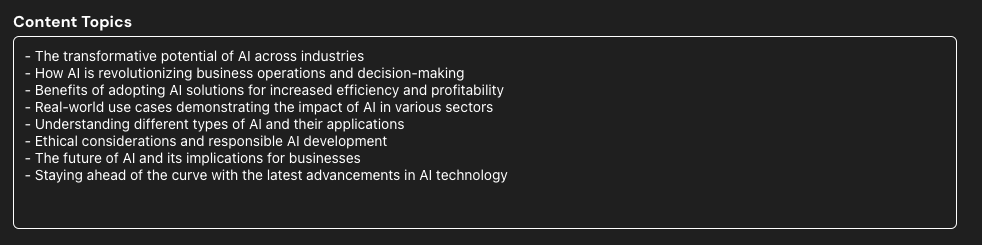
In this section, the main topics to be addressed in the content should be listed, always aligned with the company's mission and target audience. It is crucial that the topics are relevant, informative and attractive to the audience.
**Recommendations:**
* List format: present the topics in a clear and organized manner.
* Keywords: Include relevant keywords for each topic, optimizing the content for search engines.
## Negative Topics
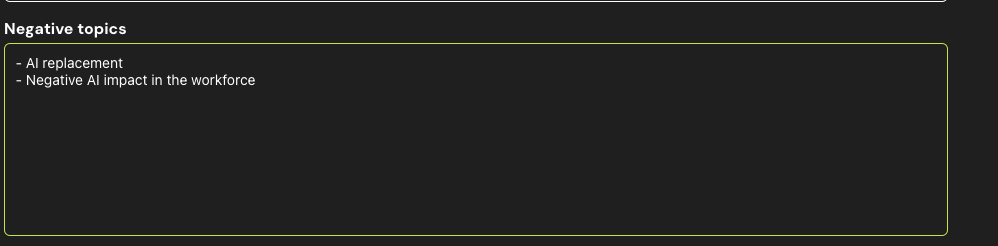
This list identifies topics that should not be addressed in the content. This may include topics that are sensitive, controversial, or not aligned with the company's image.
Recommendations:
* List Format: Present the topics to avoid in a clear and concise manner.
* Justification: Briefly explain why these topics should be avoided.
## Organic Keywords
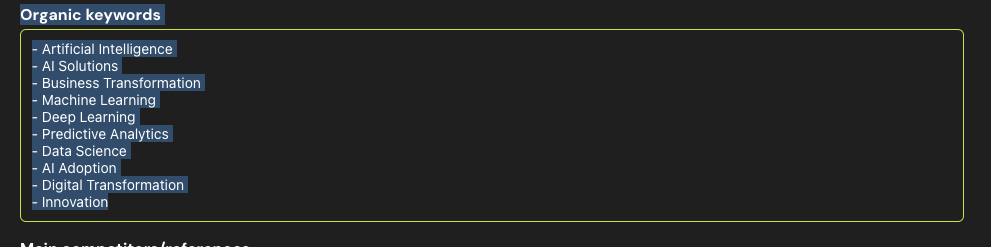
In this section, you can add **organic keywords** to enhance the visibility of your content on search engines. These keywords help align your content with what your target audience is actively searching for, improving the chances of ranking higher in search results.
While this step is optional, adding SEO-focused keywords can greatly boost your content’s reach and ensure it resonates with your audience in a competitive landscape.
**Recommendations:**
* **Keyword Research**: If you already have a list of SEO keywords, input them here to ensure the generated content is optimized for search engines.
## Additional Instructions
This section provides extra information to guide the generation of the content. It may include tone of voice, writing style, examples of similar content or any other relevant information.
Recommendations:
* Examples: Provide concrete examples of how the company should be mentioned or integrate keywords into the content.
* Tone and style: Define the tone of voice and writing style to be used.
## **Competitors / references**
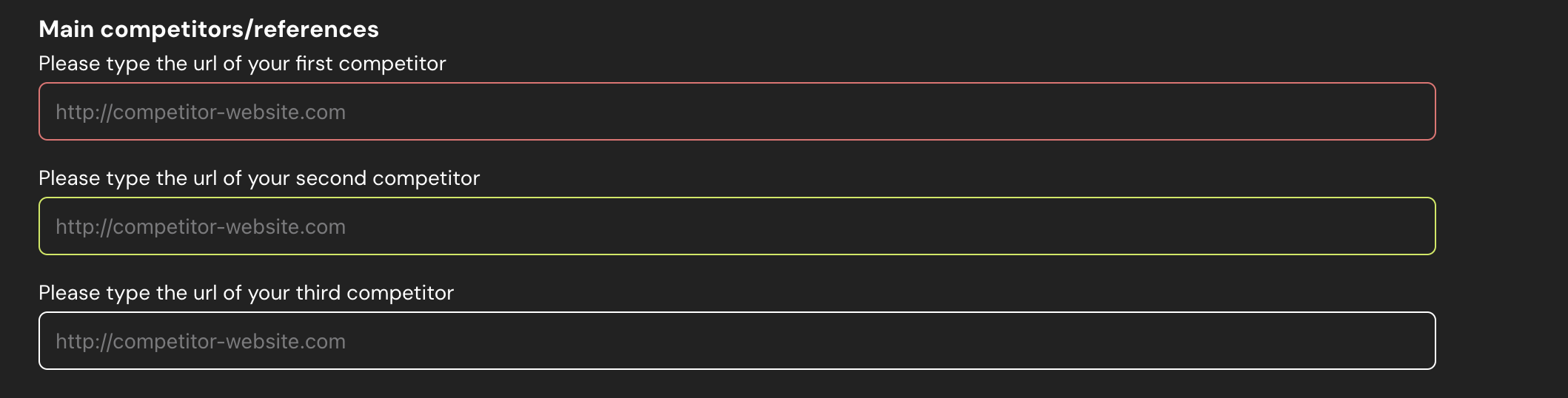
In the **Competitors / References** section, you can add up to three competitor URLs or references. Dapta will analyze these to perform a keyword gap analysis, helping you identify opportunities for content improvement and better positioning. This allows you to target valuable keywords and discover areas where you can outperform your competitors.
## CMS configuration
In the **CMS Configuration** section, you can select the platform your website is built on, allowing Dapta to automatically post content directly to your site. The available CMS options include:
* **WordPress**
* **Webflow**
* **Shopify**
* **Other**
If your CMS is not listed or you need assistance with another platform, please contact us at for further help. This feature ensures a smooth and automated content publishing process tailored to your specific CMS.
---
# Agent Instructions
This documentation is published with GitBook. GitBook is the documentation platform designed so that both humans and AI agents can read, navigate, and reason over technical content effectively. Learn more at gitbook.com.
## Querying This Documentation
If you need additional information that is not directly available in this page, you can query the documentation by asking a question.
Perform an HTTP GET request on the following URL with the `ask` and `goal` query parameters:
```
GET https://docs.dapta.ai/marketing-studio/setting-up-your-content-automation-with-daptas-marketing-studio.md?ask=&goal=
```
`ask` is the immediate question: it should be specific, self-contained, and written in natural language.
`goal` is what the user is ultimately trying to achieve, the reason they need the answer. Sharing it helps GitBook give you a better, more relevant answer. A goal is most helpful when it describes the outcome the user wants rather than restating the question. For example, with `ask=how do I create an API token`, a goal like `automate deployments from our CI pipeline` lets GitBook tailor the answer to that use case.
The response will contain a direct answer to the question and relevant excerpts and sources from the documentation.
Use this mechanism when the answer is not explicitly present in the current page, you need clarification or additional context, or you want to retrieve related documentation sections.